Voice Interfaces in Apps: When Your Business Should Add One
Voice technology has moved well past the novelty stage. Millions of people use voice commands every day to set reminders, search for information, and control smart devices. But when it comes to building voice interfaces into a custom business application, the decision deserves more than excitement about the technology. It requires a clear-eyed look at your users, your workflows, and your goals.
This guide will help you think through the decision practically, so you can figure out whether a voice interface is a competitive advantage for your product or an expensive distraction.
What Is a Voice Interface, Exactly?
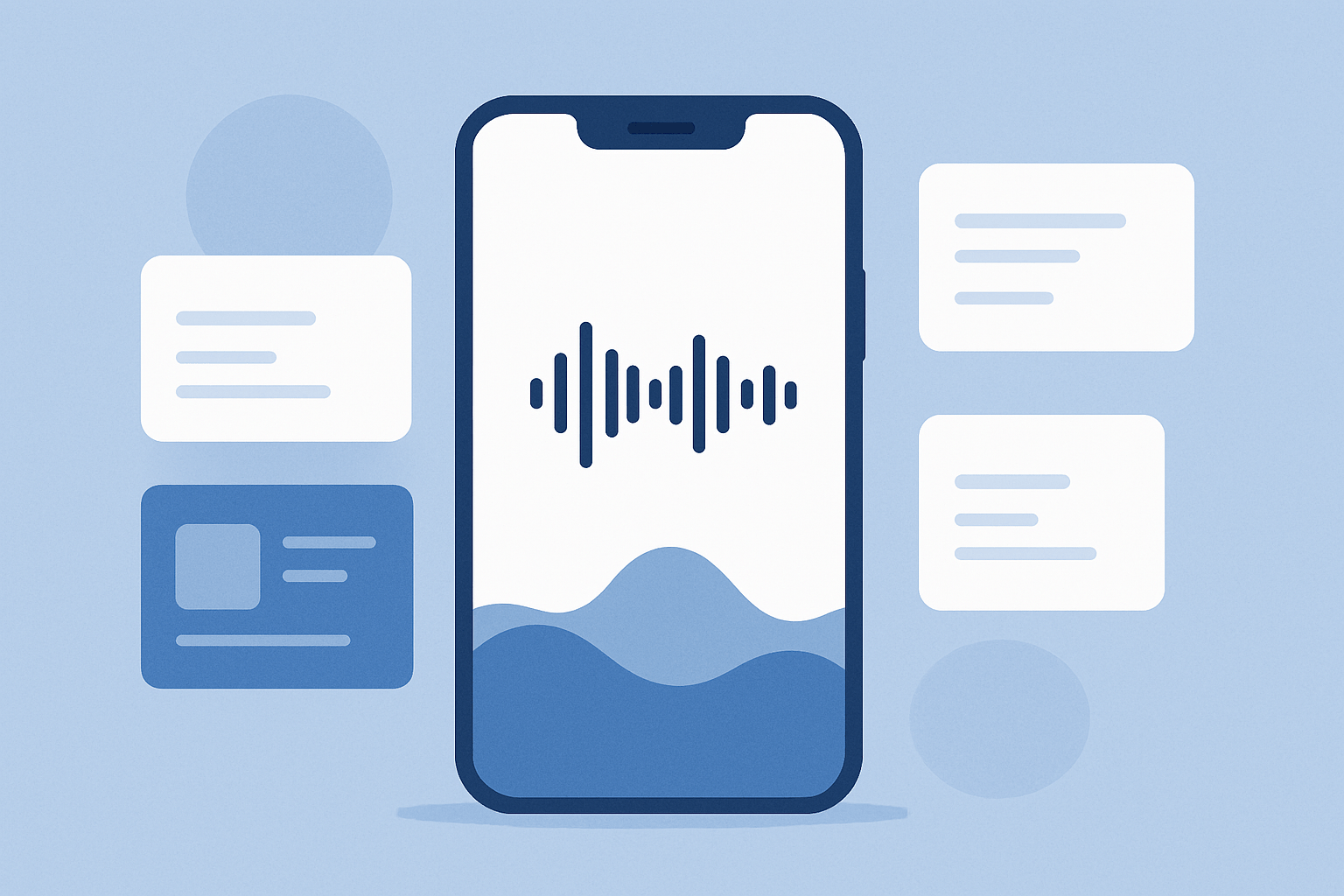
A voice interface is any feature in an application that allows users to interact using spoken language rather than typing or tapping. This can range from a simple voice search bar to a fully conversational AI assistant embedded in your platform.
Common forms include:
Voice commands - Users speak a short phrase to trigger an action, like "show me last month's sales."
Voice search - Users speak a query instead of typing it into a search field.
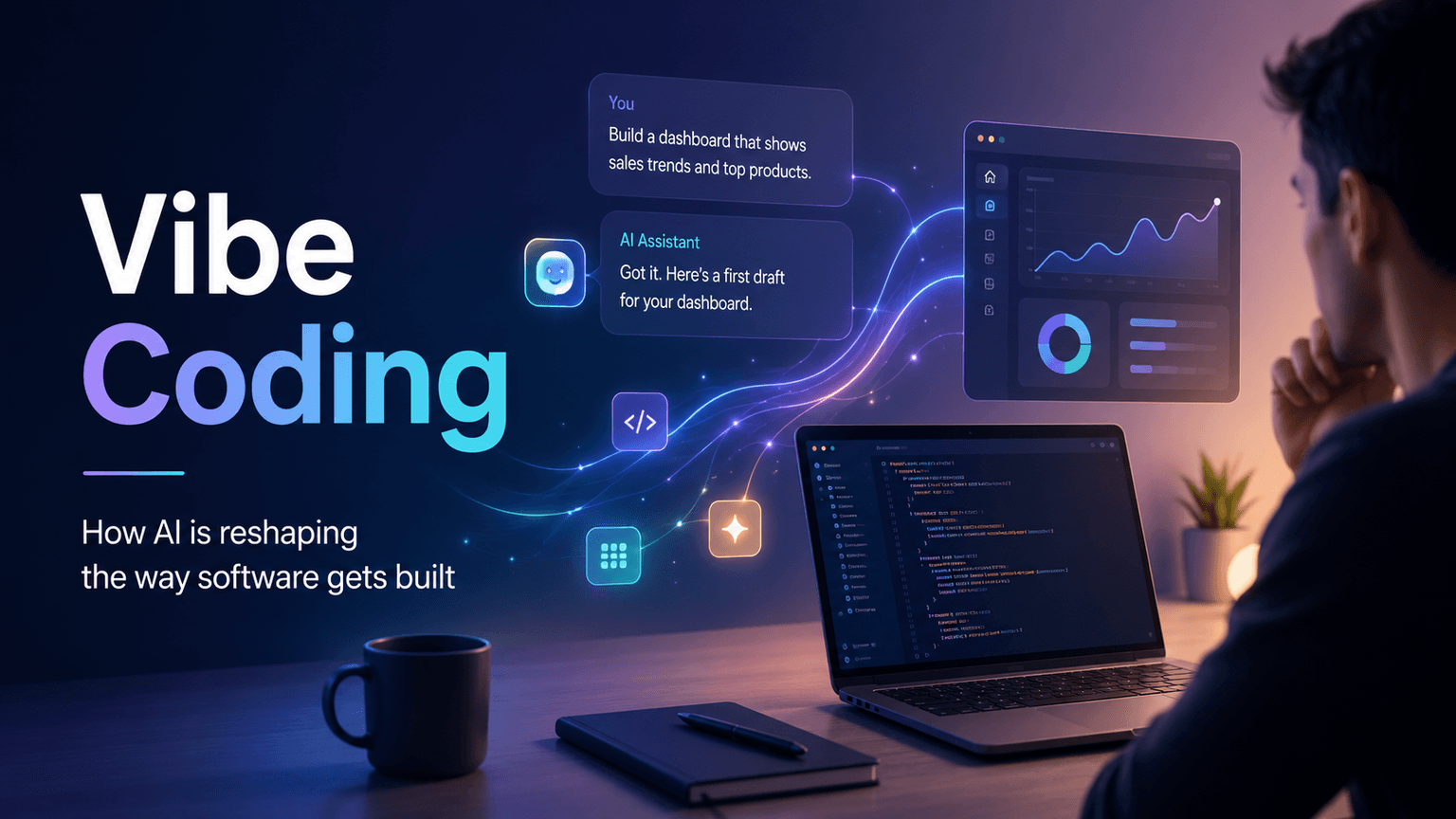
Conversational AI assistants - Users have a back-and-forth dialogue with the app to complete tasks or get answers.
Voice-to-text input - Users dictate content that is transcribed into a form field or document.
Each of these has different technical requirements, different user expectations, and different business cases. Understanding which type fits your product is the first step.
When Voice Interfaces Actually Add Value
Not every app benefits from voice. The clearest signal that voice makes sense is when your users are unable or unlikely to use their hands or eyes while interacting with your app.
Hands-Free Environments
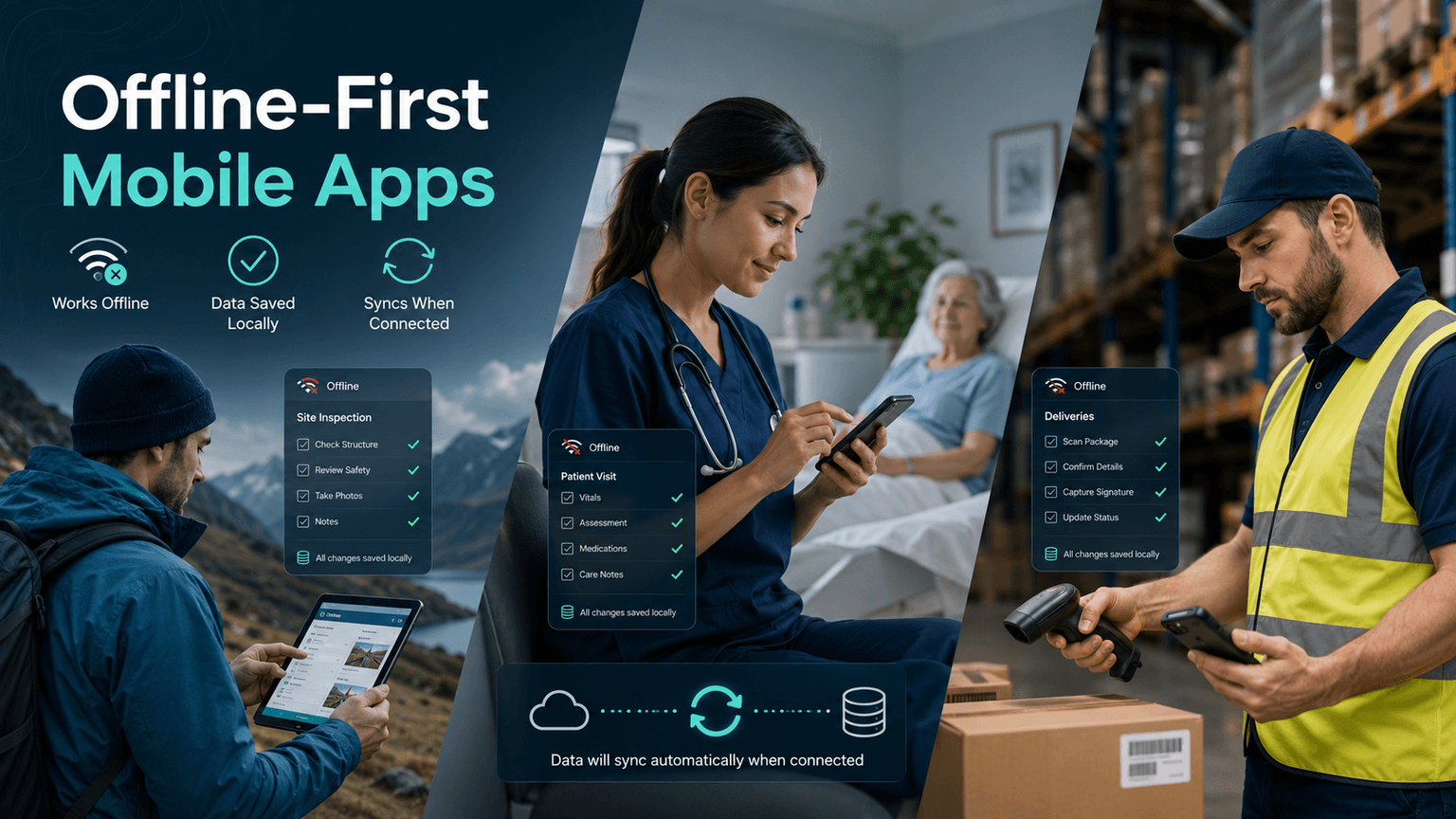
Field service technicians, warehouse workers, healthcare professionals, and delivery drivers often work in situations where stopping to type is slow, inconvenient, or unsafe. If your application serves users in these environments, a voice interface can directly increase productivity and safety. A technician who can log a service note by speaking while keeping tools in hand completes jobs faster and with fewer data entry errors.
High-Volume, Repetitive Data Entry
If your users are entering the same types of information over and over again, voice-to-text input can significantly cut the time and friction involved. Customer service representatives, medical transcriptionists, and logistics coordinators often see measurable efficiency gains when they can dictate instead of type.
Accessibility Requirements
For applications serving users with visual impairments, motor disabilities, or literacy challenges, a voice interface is not just a feature. It can be a requirement for basic usability. If inclusion is a priority for your business or your market, voice functionality may be essential rather than optional.
Consumer Apps Competing on Convenience
In consumer-facing products, the experience is the product. If your competitors offer voice search and you do not, that gap matters. For apps in categories like fitness, cooking, shopping, or home management, voice features can reduce friction at key moments and improve retention.
When Voice Interfaces Are Probably Not Worth It
Honestly, many business applications do not need a voice interface at launch, and forcing one in can create more problems than it solves.
Skip voice for now if:
Your users are primarily in desktop or office environments where typing is natural and fast.
Your application involves complex data input that requires visual confirmation, like financial forms or legal documents.
Your user base is small and the development cost cannot be justified by measurable productivity or revenue gains.
Your core product still has usability issues that need to be solved first. Adding voice on top of a confusing interface does not fix a confusing interface.
Privacy or compliance concerns in your industry make voice capture a liability without significant safeguards.
The key question is not "would voice be cool here" but "does voice solve a real friction point my users are experiencing today?"
Technical Considerations Before You Commit
Adding voice to an application is more involved than it might appear. Here is what goes into building it properly.
Speech Recognition and NLP
At the core of any voice feature is a speech recognition engine that converts audio to text, combined with natural language processing (NLP) that interprets what the user meant. Tools like Google Cloud Speech-to-Text, Amazon Transcribe, and OpenAI Whisper have made this far more accessible, but you still need to configure them for your use case, especially if your users work in noisy environments or use industry-specific terminology.
Accuracy and Error Handling
Voice recognition is not perfect. Your interface needs to handle misheard words gracefully, offer confirmation steps for critical actions, and give users an easy path to correct errors without frustration. Poor error handling is the fastest way to make users abandon a voice feature.
Platform Compatibility
Voice behaves differently across iOS, Android, and web browsers. A feature that works beautifully on one platform may require significant additional work on another. Your development team needs to plan for this from the start.
Security and Data Privacy
Audio data is sensitive. If your application operates in healthcare, finance, or any regulated industry, you need to address how voice data is captured, transmitted, stored, and deleted. This is not a box to check after launch. It needs to be part of the architecture from day one.
How to Evaluate the ROI of a Voice Feature
Before adding any feature to a business application, you should be able to answer these questions:
What specific user problem does this solve? If you cannot name it clearly, the feature is not ready to build.
How will you measure success? Define metrics before launch, such as task completion time, data entry errors, feature adoption rate, or customer satisfaction scores.
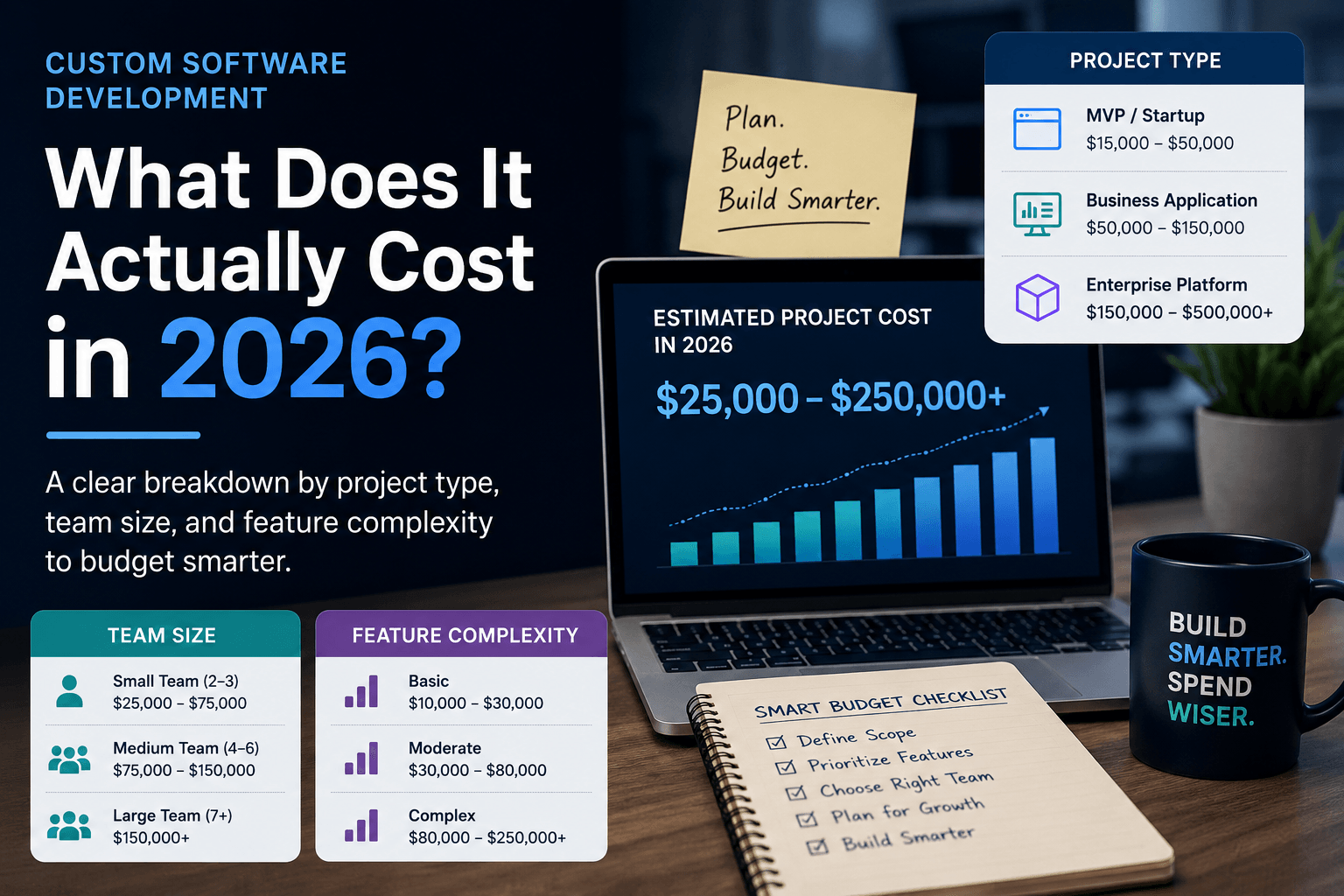
What is the build cost versus the expected return? A voice feature for a field service app that saves each technician 20 minutes per day has a calculable ROI. A voice feature added because it "seems modern" does not.
Can you test it with a smaller MVP first? Consider launching voice search before committing to a full conversational assistant. Let real user behavior guide the roadmap.
Getting the Right Development Partner Matters
Voice interfaces sit at the intersection of UX design, backend architecture, third-party API integration, and AI. Building one well requires a team that understands all of these layers and knows how they connect to your business outcomes.
At NextGen Software, based in Boca Raton, FL, we help startups and growing businesses make exactly these kinds of decisions. Whether you are trying to figure out if voice is right for your app or you are ready to start building, we bring both the technical depth and the business context to guide you toward the right choice. We build custom web apps, mobile apps, SaaS platforms, and AI-powered features that are designed to solve real problems for real users.
If you are considering adding a voice interface or any other major feature to your product, we would love to talk it through with you. Visit nextgensoftware.us to schedule a free discovery call and get honest, straightforward advice about what will actually move your business forward.