How to Migrate from Legacy Software to a Modern Platform
Why Legacy Software Is Holding Your Business Back
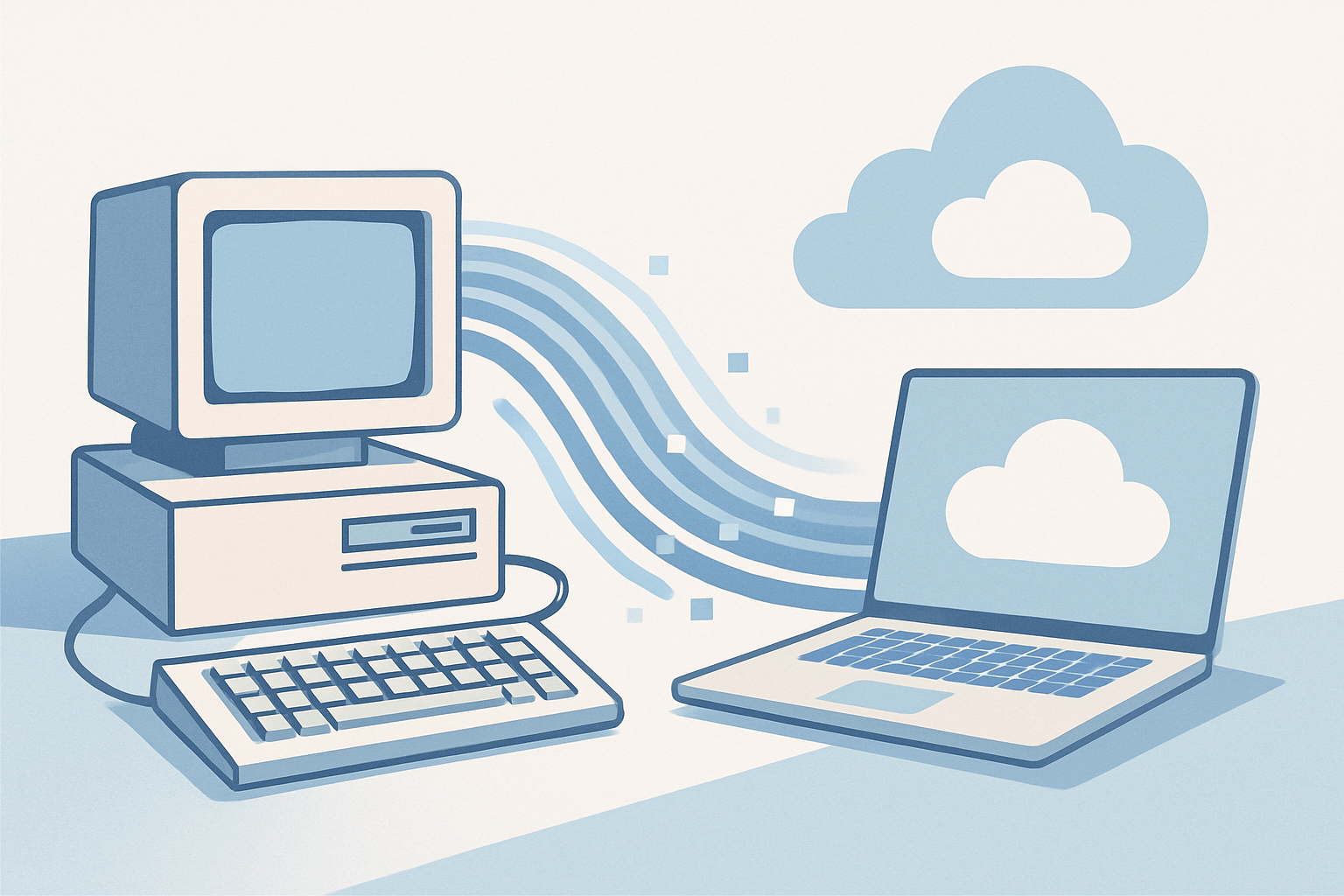
If your team is working around software instead of with it, that is a sign worth paying attention to. Legacy systems, meaning older platforms that were built for a different era of business, tend to slow teams down, create security vulnerabilities, and make it nearly impossible to scale. They often rely on outdated frameworks, lack integrations with modern tools, and require specialized developers just to keep the lights on.
For business owners and startup founders, the cost of doing nothing can be steep. Missed automation opportunities, frustrated employees, and an inability to adapt quickly to market changes are just a few of the consequences. Migrating to a modern platform is not just a technical upgrade, it is a strategic investment.
This guide walks you through how to approach a legacy software migration in a way that is practical, low-risk, and built around your business goals.
Step 1: Audit What You Actually Have
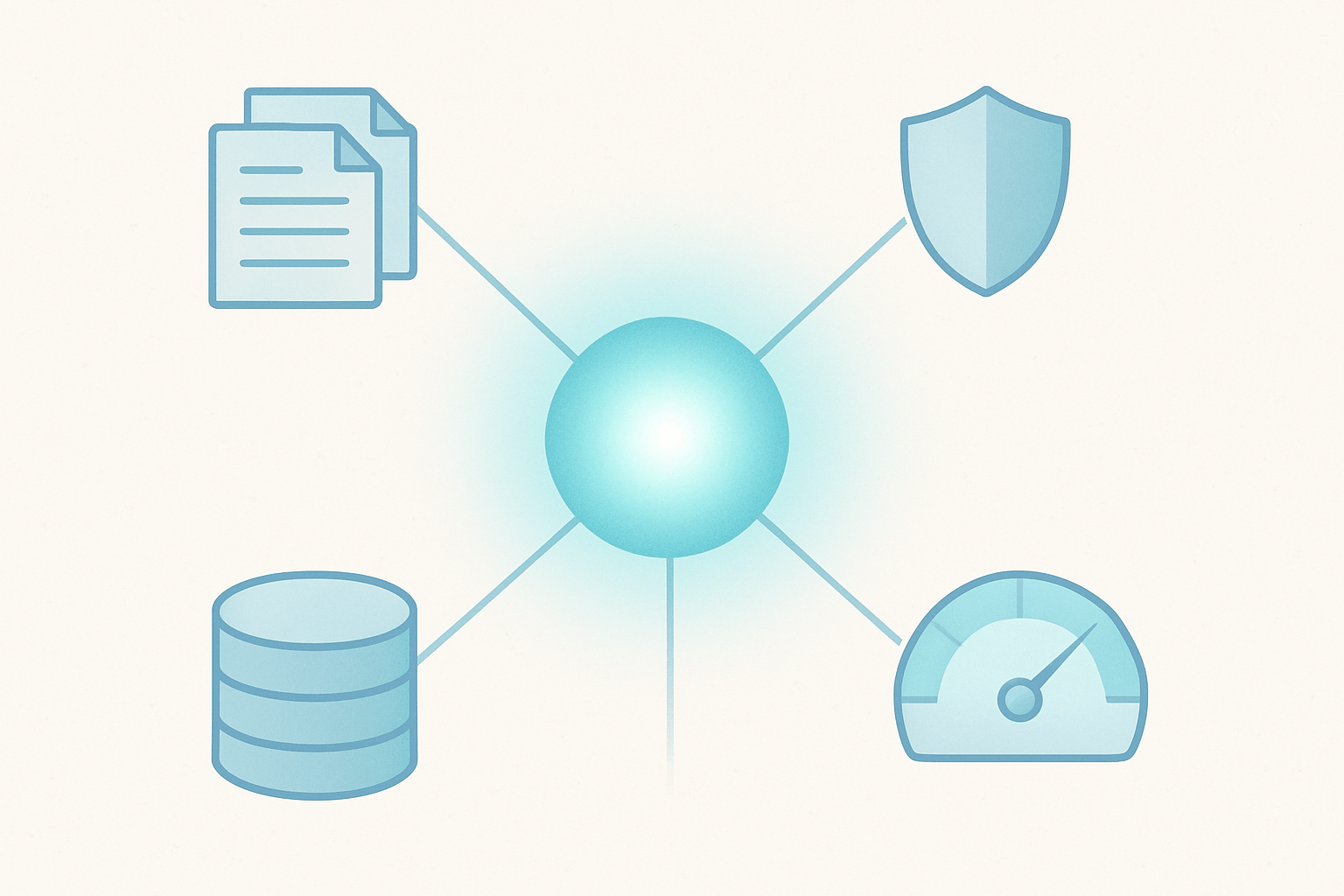
Before you can move forward, you need a clear picture of where you are starting. A legacy software audit should cover the following areas:
Core functionality: What does the current system do, and which features are actively used?
Integrations: What third-party tools or data sources connect to the existing platform?
Data structure: Where is your data stored, in what format, and how clean is it?
Pain points: Where does the system break down, slow your team, or create manual workarounds?
Compliance and security: Are there regulatory requirements the new system must meet?
This audit does not require deep technical expertise on your part. A good development partner will help you map this out during a discovery phase. The goal is to understand the full scope before committing to any solution.
Step 2: Define What Success Looks Like
Migration projects fail most often because the success criteria were never clearly defined. Before selecting a platform or writing a single line of code, document what you want the new system to accomplish.
Ask yourself:
What business problems should the new platform solve?
What does a faster, better, or more automated workflow look like in practice?
Which teams will use the new system daily, and what do they need most?
What is the acceptable downtime or disruption during the transition?
Setting measurable goals - such as reducing manual data entry by 80 percent or cutting customer onboarding time in half - gives your development team a clear target and gives you a way to evaluate the project after launch.
Step 3: Choose the Right Migration Strategy
There is no single right way to migrate from a legacy system. The best approach depends on your timeline, budget, and how mission-critical the existing software is. Here are the most common strategies:
Big Bang Migration
All users and data are moved to the new platform at once on a set date. This approach is faster and simpler, but it carries more risk. It works best for smaller systems or businesses that can afford a brief transition window.
Phased Migration
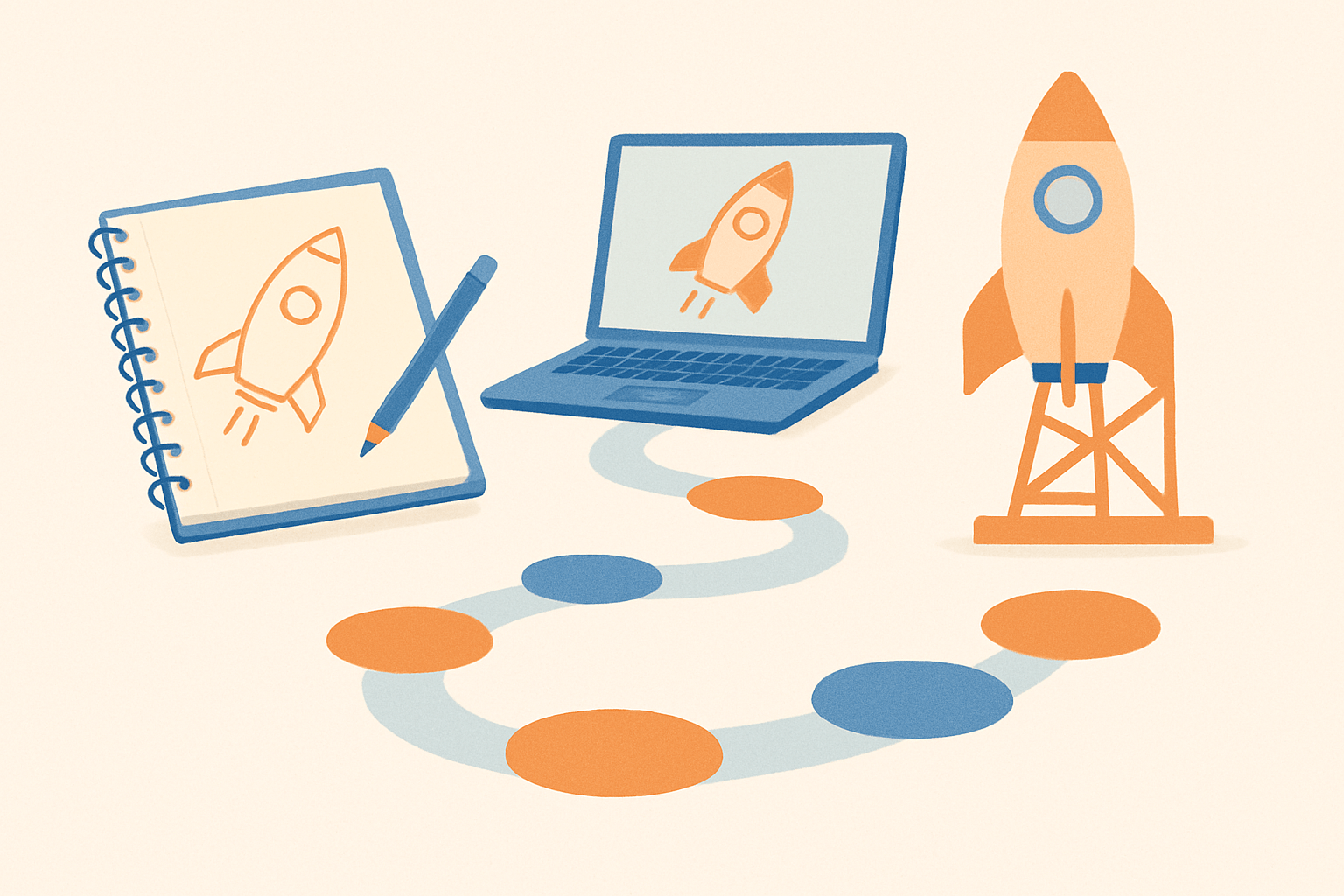
The new system is built and deployed in stages, with both old and new platforms running in parallel for a period of time. This reduces risk significantly and allows teams to adapt gradually. It is the most common approach for growing businesses.
Strangler Fig Approach
New features and modules are built on the modern platform while the legacy system continues to run. Over time, the old system is retired piece by piece. This is particularly useful when the legacy software is deeply embedded in daily operations.
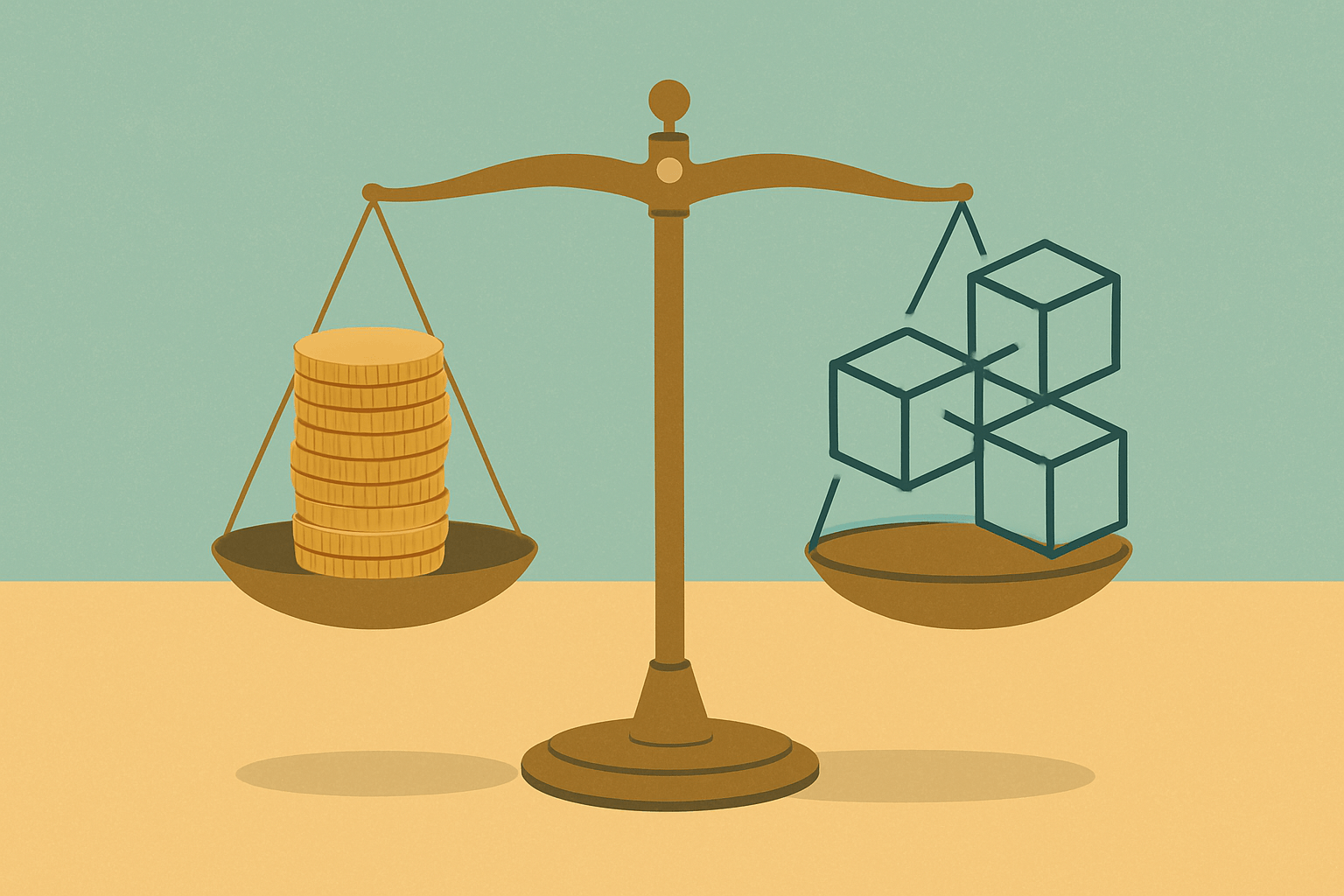
A qualified software development team will help you weigh the tradeoffs and recommend the strategy that aligns with your risk tolerance and resources.
Step 4: Plan Your Data Migration Carefully
Data migration is often the most technically complex part of the process, and it deserves its own dedicated plan. Poor data migration can result in lost records, broken relationships between data sets, and compliance issues.
Key considerations include:
Data cleansing: Remove duplicates, fix formatting inconsistencies, and archive records you no longer need before migrating.
Data mapping: Define how fields in the old system correspond to fields in the new system.
Testing: Run migration scripts in a staging environment and validate the output before touching production data.
Rollback plan: Have a documented process to revert if something goes wrong during the live migration.
Never rush this step. A few extra weeks spent on data preparation can save months of cleanup after launch.
Step 5: Manage Change Within Your Organization
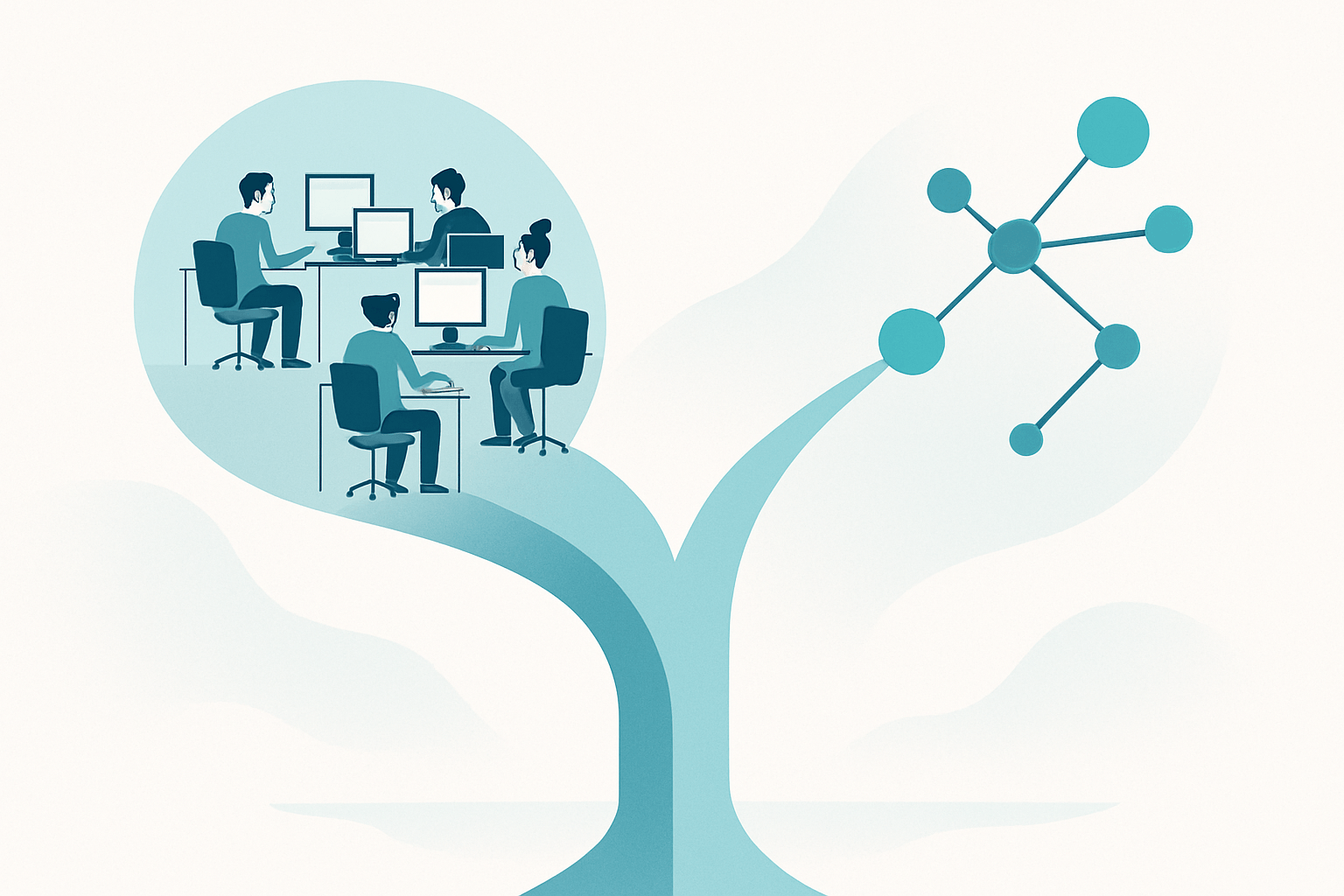
Technology is only part of a successful migration. The human side of the transition is just as important. Employees who are comfortable with the old system may resist change, especially if they were not involved in the decision.
To smooth the transition:
Involve key users early in the requirements and feedback process
Communicate the timeline and what to expect at each phase
Provide adequate training before go-live, not after
Designate internal champions who can support their teammates during the adjustment period
Change management is not a soft skill, it is a practical business requirement. Projects that invest in it see faster adoption and fewer post-launch issues.
Step 6: Choose a Development Partner Who Understands Your Business
The right technology partner makes all the difference. Look for a team that takes the time to understand your business processes, not just your technical requirements. They should be transparent about timelines, realistic about scope, and capable of guiding you through each of the steps above.
Red flags to watch for include vague pricing, no discovery process, and developers who jump straight to solutions before understanding your problems.
Ready to Leave Your Legacy System Behind?
Migrating from outdated software is one of the highest-leverage investments a growing business can make. With the right plan, the right team, and clear goals, the transition can be smooth and the results can be transformational.
At NextGen Software, based in Boca Raton, FL, we specialize in helping startups and growing businesses modernize their technology through custom web apps, mobile apps, SaaS platforms, and API integrations. We guide clients through every stage of migration, from the initial audit to post-launch support. If you are evaluating your options and want an honest conversation about what modernization could look like for your business, we would love to help. Visit nextgensoftware.us to schedule a free discovery call today.