How to Plan a Software Development Budget for Startups
How to Plan a Software Development Budget for Your Startup
One of the most common frustrations startup founders face is getting a software quote that feels wildly different from what they expected. One vendor says $10,000. Another says $150,000. You are left wondering who is right and why the range is so enormous.
The truth is that software development costs vary for legitimate reasons, and understanding those reasons is the first step toward building a budget that actually works. This guide walks you through the key factors that drive costs, how to scope your project intelligently, and what to watch out for before you sign any contracts.
Why Software Development Budgets Are So Hard to Estimate
Software is not like ordering a physical product where pricing is fixed. Every project is custom, and the cost depends on a combination of complexity, team structure, timeline, and technology choices.
Here are a few reasons quotes vary so dramatically:
Scope ambiguity: If you cannot describe exactly what your product does, vendors have to guess, and they guess differently.
Team location: Offshore teams in lower-cost regions charge significantly less per hour than U.S.-based developers.
Tech stack choices: Some technologies require more specialized (and expensive) talent.
Hidden functionality: Features like user authentication, payment processing, and third-party API integrations add hours that are easy to overlook early on.
Before you can plan a budget, you need to get clear on what you are actually building.
Step 1: Define Your MVP Before You Price Anything
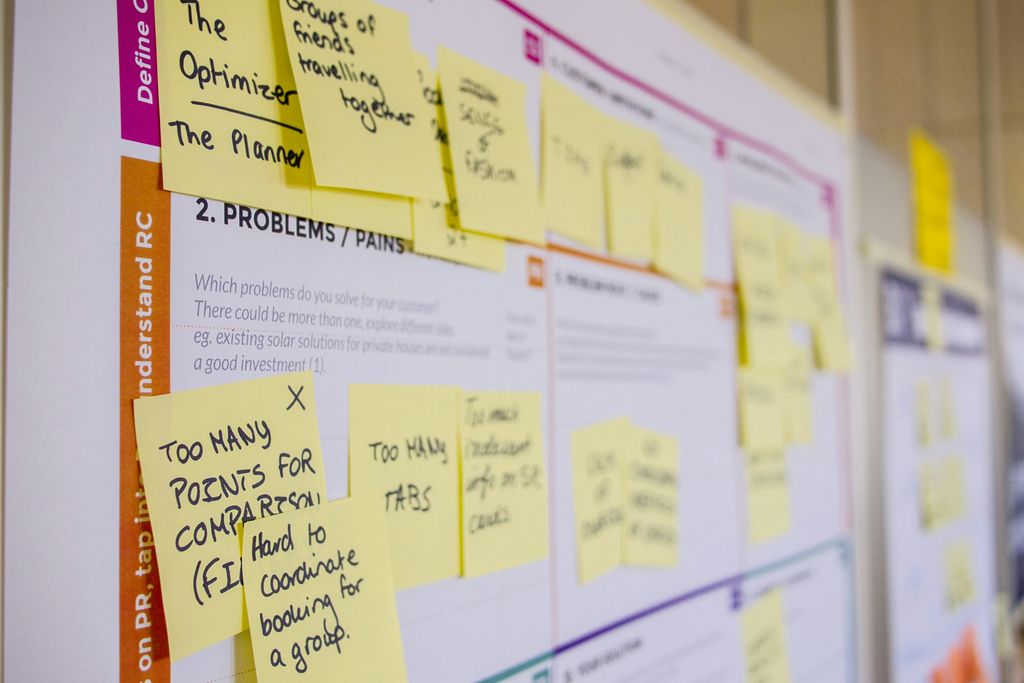
The single best thing you can do for your budget is to define your Minimum Viable Product (MVP) before talking to any developers. An MVP is the smallest version of your product that delivers real value to your first users.
Ask yourself these questions:
What is the one core problem my software solves?
What are the 3-5 features a user absolutely needs on day one?
What can be added in a version 2 or version 3 release?
Founders who skip this step almost always overspend. They describe a vision instead of a product, and vendors build estimates around that vision, not around what is actually needed to launch.
A focused MVP typically costs far less, gets to market faster, and gives you real user feedback before you invest in additional features.
Step 2: Understand the Major Cost Categories
Software development budgets generally break down into several categories. Knowing what each one covers helps you ask better questions and spot gaps in vendor proposals.
Design and UX
This covers the visual interface and user experience of your product. Good design is not optional. Poorly designed software drives users away, no matter how well it is built. Budget for wireframes, user flows, and UI mockups before development begins.
Frontend Development
This is everything a user sees and interacts with in the browser or on their mobile device. Complexity here depends on how dynamic and interactive your interface needs to be.
Backend Development
The backend handles your data, business logic, and server-side processing. If your app stores user accounts, processes transactions, or connects to external services, a solid backend is essential and often the most expensive part of a project.
Integrations and APIs
Does your software need to connect to Stripe for payments, Twilio for messaging, or a third-party data source? Each integration adds development time. Some are straightforward, others are not.
Quality Assurance and Testing
Skipping QA to save money is one of the most expensive mistakes a startup can make. Bugs that reach users cost far more to fix than bugs caught in testing. Budget at least 15-20% of your total development costs for QA.
Hosting and Infrastructure
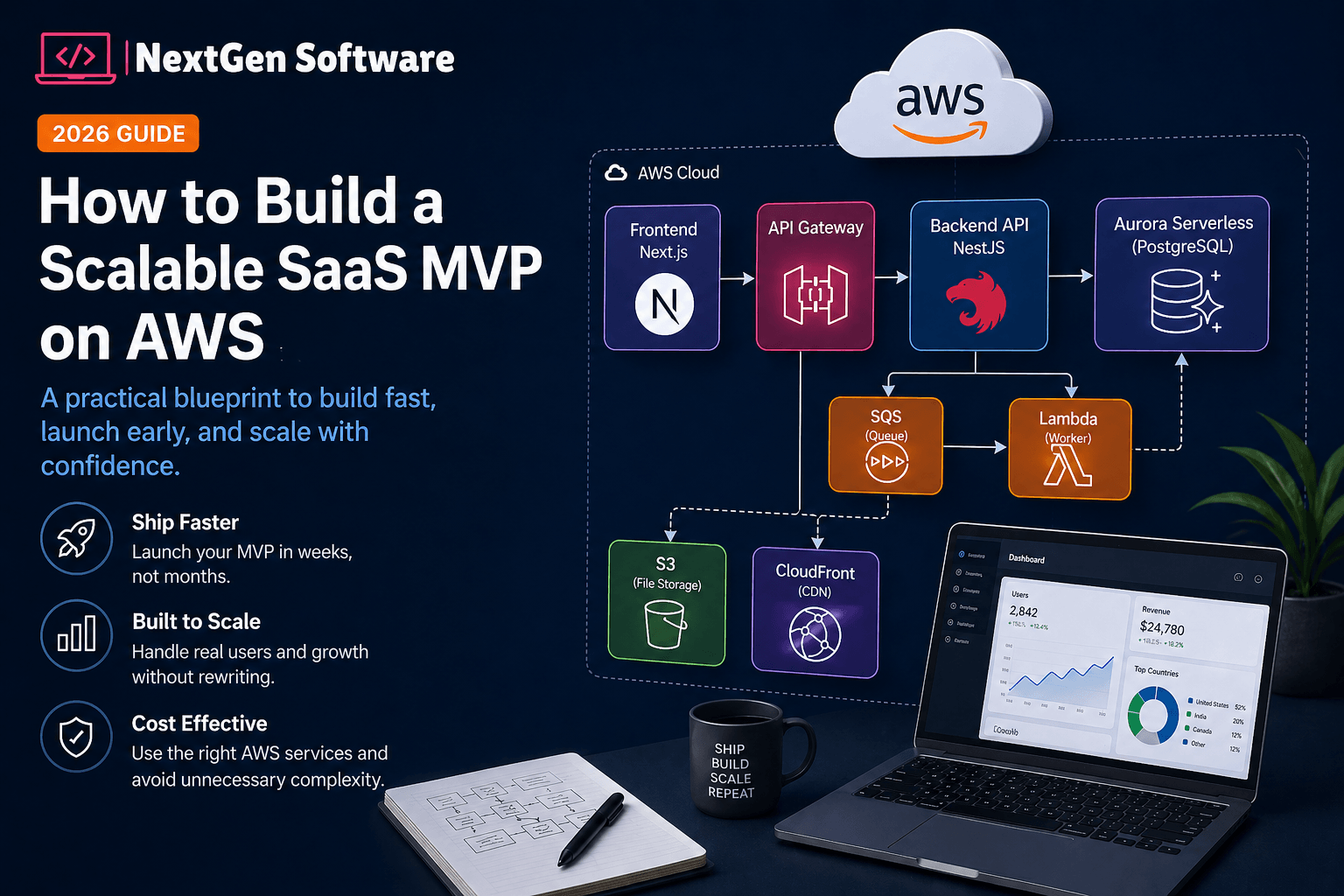
Monthly cloud hosting costs on platforms like AWS, Google Cloud, or Azure should be factored into your ongoing budget. For early-stage products, this is typically modest, but it scales with usage.
Ongoing Maintenance
Software requires ongoing updates, security patches, and bug fixes. Plan for a monthly retainer or maintenance budget of roughly 15-20% of your original build cost per year.
Step 3: Get Realistic About Timelines
Time is money in software development. Rushing a project often means paying for overtime, cutting corners on testing, or launching with technical debt that costs more to fix later.
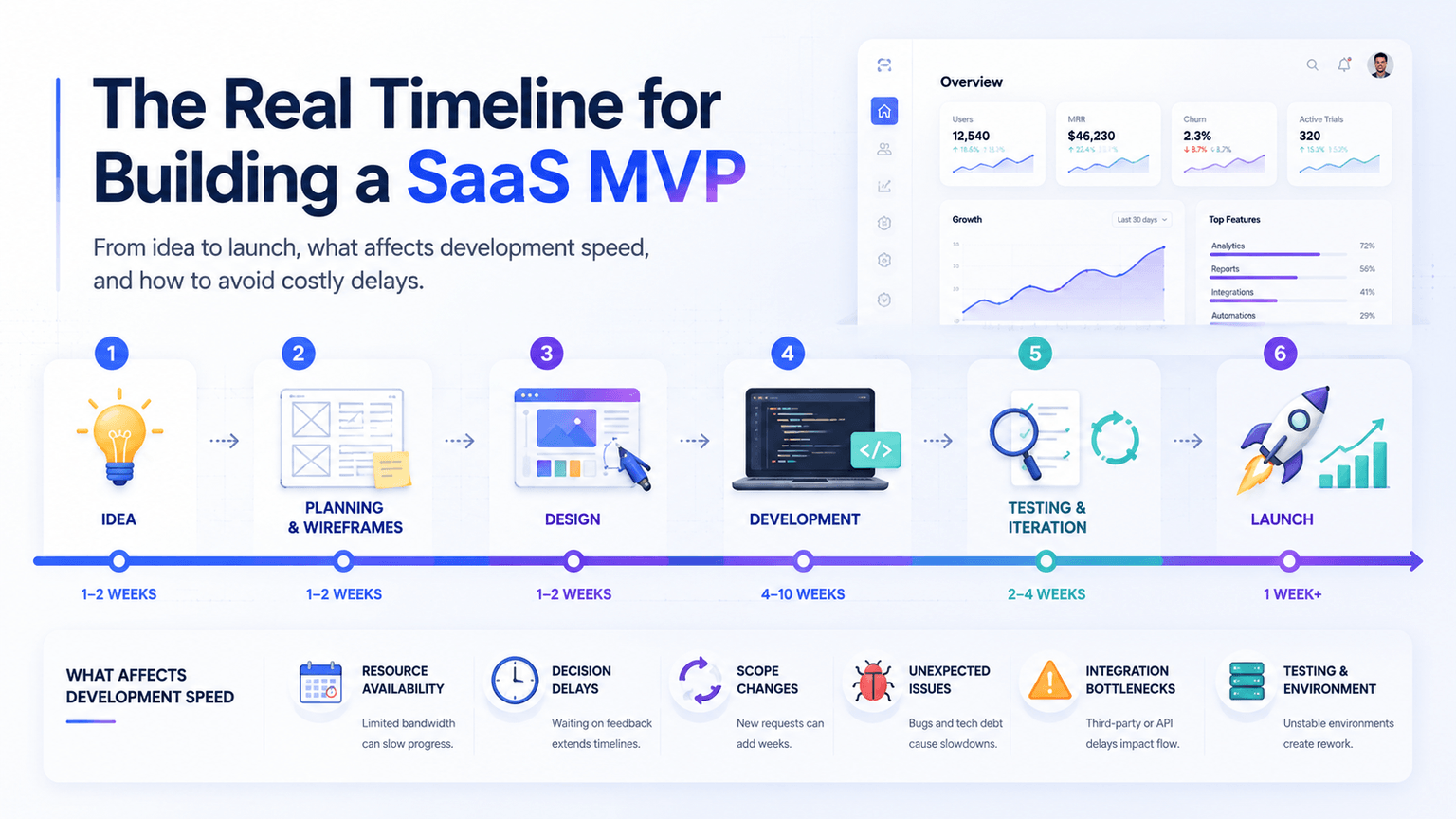
A realistic timeline for a custom web or mobile application MVP is typically 3 to 6 months, depending on complexity. SaaS products with user accounts, billing, and dashboards tend to land on the higher end of that range.
If a vendor promises to build your complex platform in four weeks, that is a red flag, not a bargain.
Build buffer into your timeline. Integrations break, requirements change, and real-world complexity always exceeds early assumptions. A 10-15% time buffer is a reasonable standard.
Step 4: Choose the Right Development Model
How you structure your development team has a major impact on cost and quality.
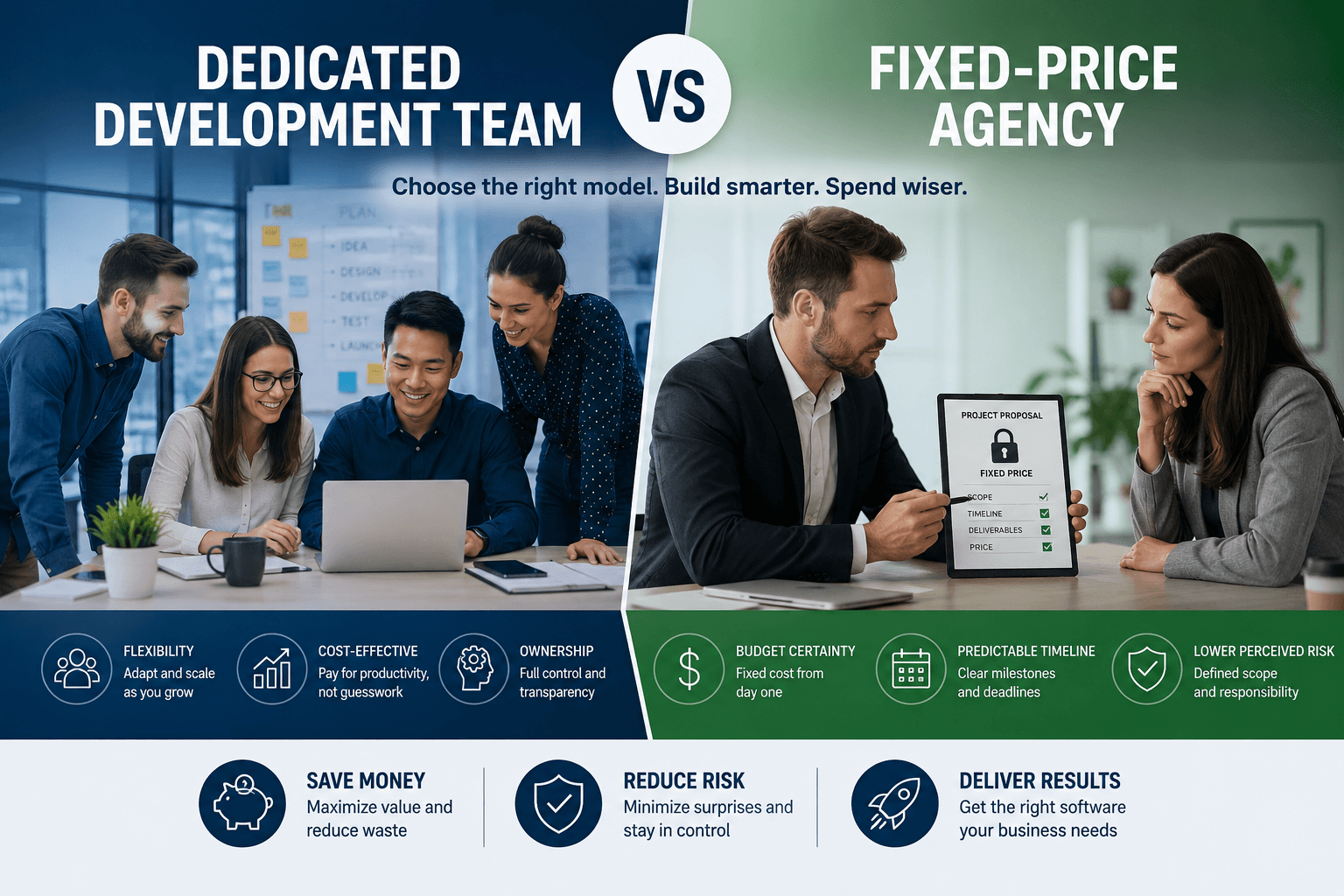
Fixed-price contracts work well when scope is clearly defined. You know what you will pay, but changes can be expensive.
Time and materials contracts offer more flexibility. You pay for actual hours worked, which is better for evolving projects but requires trust and good communication.
Dedicated development teams give you a full team working exclusively on your product. This model suits longer-term builds and growing startups.
For most early-stage startups, a time and materials approach with a clearly defined MVP scope tends to offer the best balance of cost control and flexibility.
Common Budget Mistakes Startups Make
Avoid these pitfalls before they drain your runway:
Underestimating the design phase: Skipping proper UX design leads to expensive rebuilds.
Ignoring post-launch costs: The project does not end at launch. Hosting, maintenance, and iteration all cost money.
Choosing the lowest bidder without vetting: The cheapest quote often reflects a lack of experience, poor communication, or offshore teams with language barriers.
Not budgeting for revisions: Expect at least 2-3 rounds of feedback on any major feature.
Scope creep: Adding features mid-project is the fastest way to blow a budget. Stick to your MVP list and save new ideas for version 2.
How Much Should You Actually Budget?
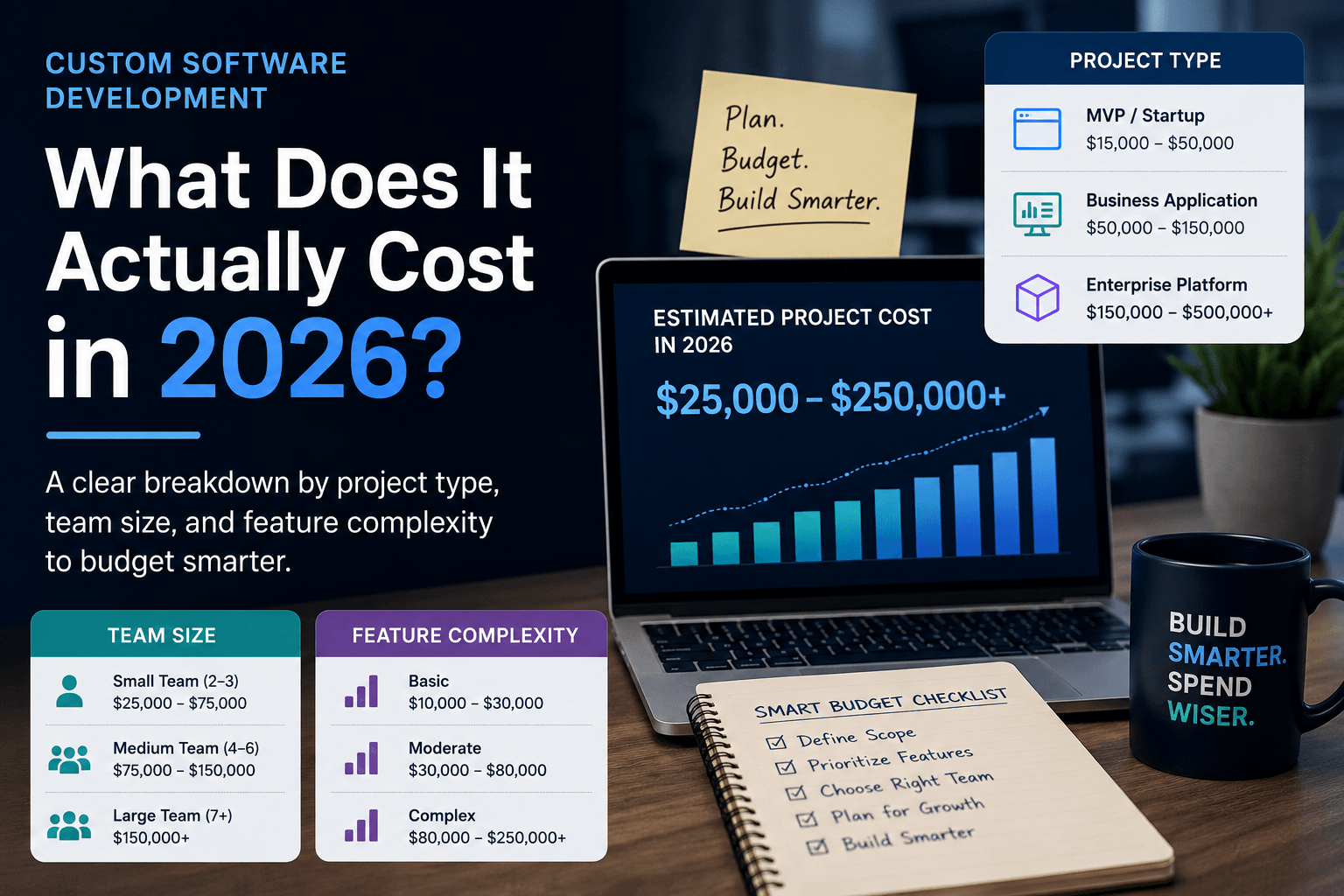
While every project is unique, here are some general benchmarks for U.S.-based custom development:
Simple web app or internal tool: $15,000 to $40,000
Mobile app MVP (iOS or Android): $30,000 to $75,000
SaaS product with user accounts and billing: $50,000 to $150,000+
AI-powered features or complex integrations: Add $10,000 to $40,000 depending on scope
These ranges reflect quality work from experienced teams. If you see quotes dramatically below these numbers, ask detailed questions about who is doing the work and what is included.
Start With a Conversation, Not a Commitment
Planning a software budget is not a one-person job. The best outcomes happen when founders work closely with a development partner who asks hard questions, challenges assumptions, and helps prioritize features before writing a single line of code.
At NextGen Software, based in Boca Raton, FL, we work with startups and growing businesses to scope, design, and build custom web apps, mobile apps, SaaS platforms, and AI-powered tools. We believe every great product starts with a clear plan, and we are happy to help you build one. Visit nextgensoftware.us to schedule a free discovery call and start turning your idea into a realistic, budgeted roadmap.