How to Build a Custom CRM for Your Business in 2025
Why Off-the-Shelf CRMs Fall Short for Growing Businesses
Most businesses start with a tool like Salesforce, HubSpot, or Zoho. These platforms are powerful, but they are built for everyone, which often means they are a perfect fit for no one. As your business grows, you may find yourself paying for features you never use, missing features you desperately need, or forcing your team to work around the software instead of with it.
A custom CRM solves this problem by being built specifically around your sales process, your team structure, and your customer lifecycle. It works the way you work, not the other way around.
This guide walks you through what a custom CRM actually involves, what features to prioritize, what the build process looks like, and how to decide if it is the right investment for your business.
What Is a Custom CRM and Who Needs One
A custom CRM (Customer Relationship Management system) is a web or mobile application built from scratch, or significantly customized, to manage how your business tracks leads, communicates with clients, and closes deals.
You might need a custom CRM if:
Your sales pipeline has unique stages that generic tools cannot accommodate
You need deep integrations with industry-specific software or internal tools
Your team is spending hours on manual data entry that could be automated
You are paying for multiple SaaS subscriptions that still do not work together
Compliance or data privacy requirements limit what third-party tools you can use
Custom CRMs are especially valuable for companies in fields like real estate, healthcare, legal services, financial advising, and B2B sales, where the customer journey is complex and relationship history matters deeply.
Core Features to Include in Your Custom CRM
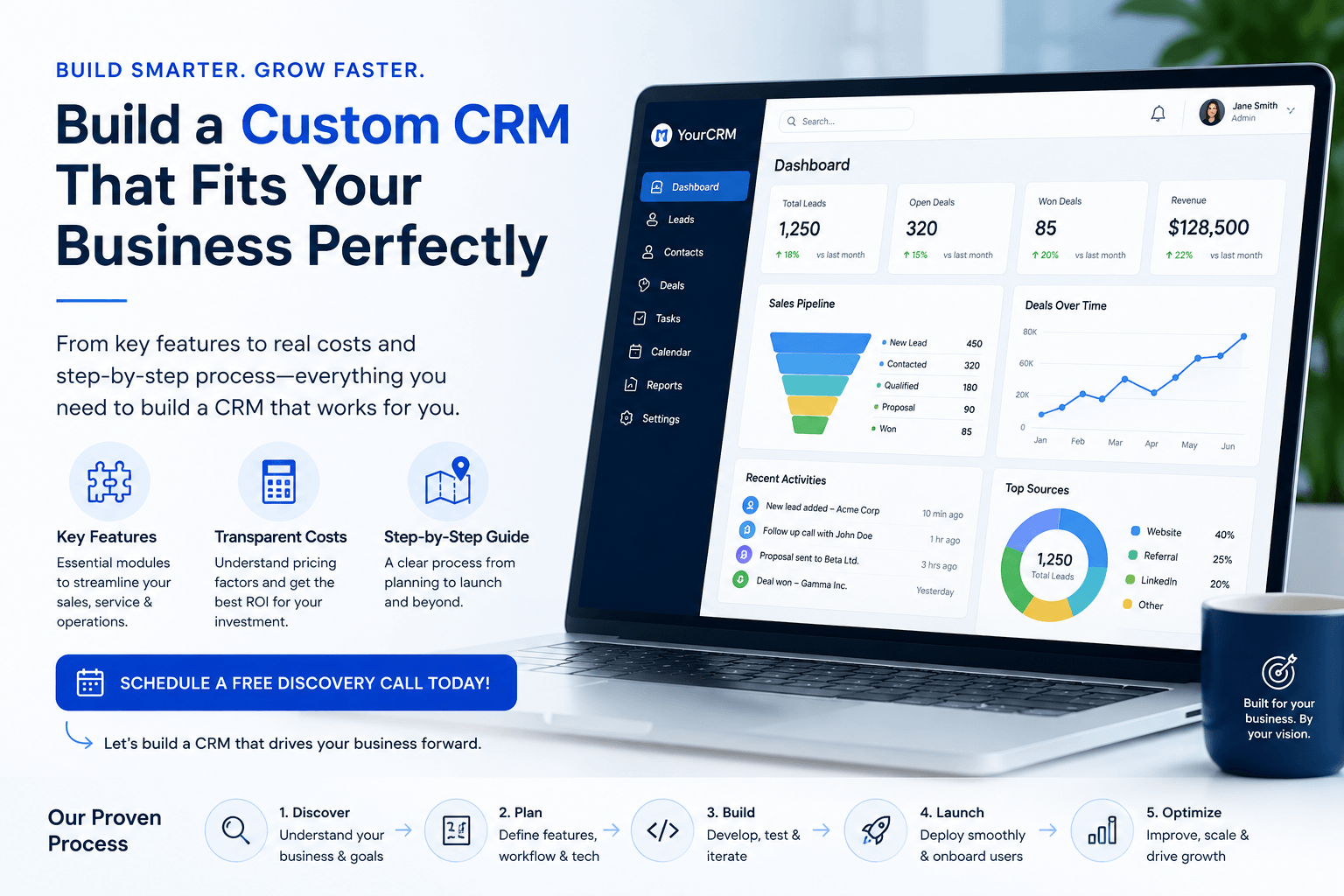
Before a single line of code is written, you need a clear picture of what your CRM must do. Here are the core features most businesses include:
Contact and Lead Management
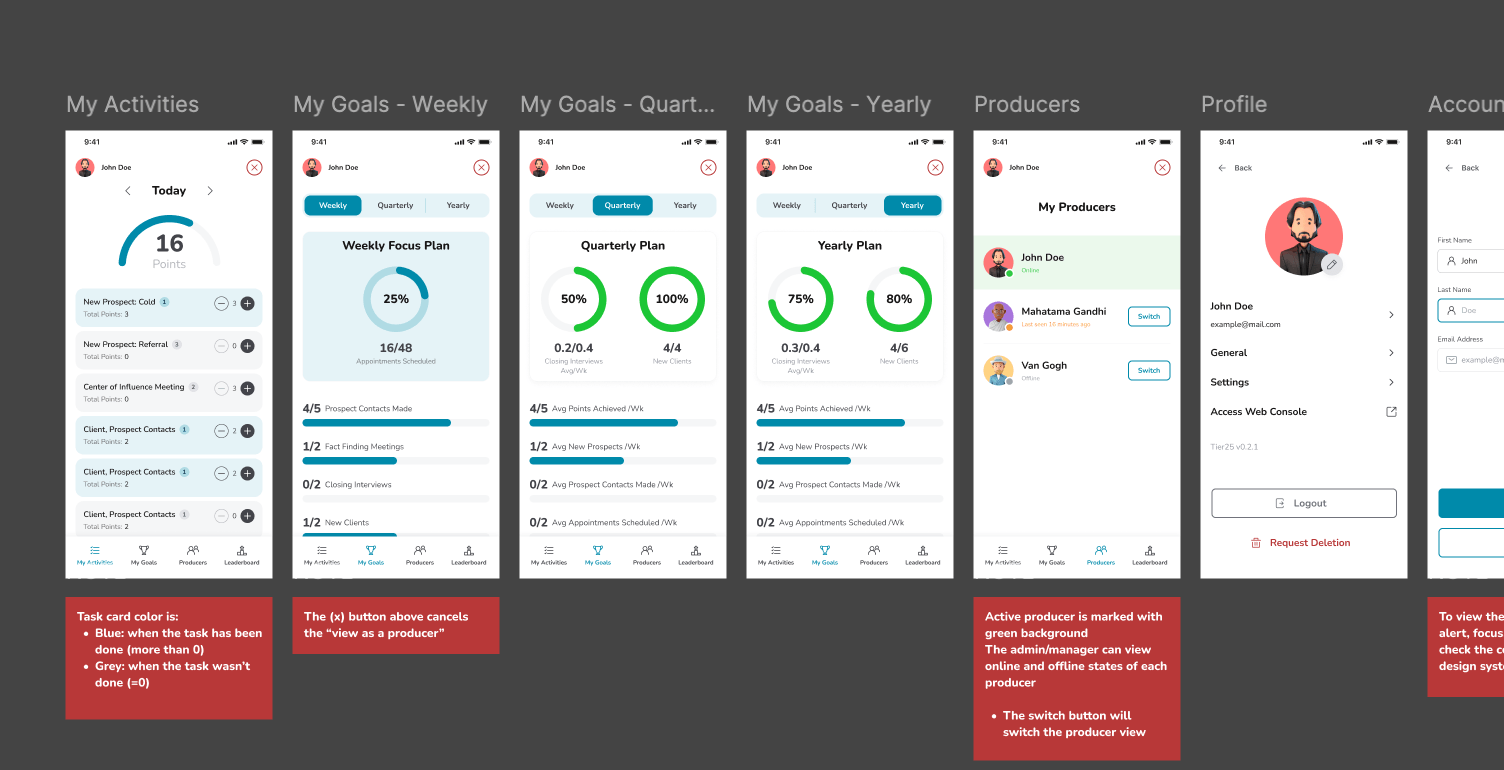
A central database for all your contacts, prospects, and clients. Each record should store communication history, deal status, notes, and any custom fields relevant to your business.
Pipeline and Deal Tracking
A visual sales pipeline that reflects your actual stages, from first contact to closed deal. This gives your team clarity and gives leadership accurate forecasting data.
Task and Activity Management
The ability to assign follow-up tasks, set reminders, and log calls or meetings. This keeps your team accountable without relying on spreadsheets or sticky notes.
Email and Communication Integration
Connect your CRM to Gmail, Outlook, or your communication platform so every touchpoint is automatically logged. Some businesses also integrate SMS or VoIP tools.
Reporting and Dashboards
Custom reports that show the metrics that actually matter to your business, like conversion rates by source, average deal size, or revenue by sales rep.
Automation and Workflow Triggers
Automate repetitive tasks like sending follow-up emails, assigning leads to reps, or moving deals to the next stage when certain conditions are met. This is where a custom CRM pays for itself quickly.
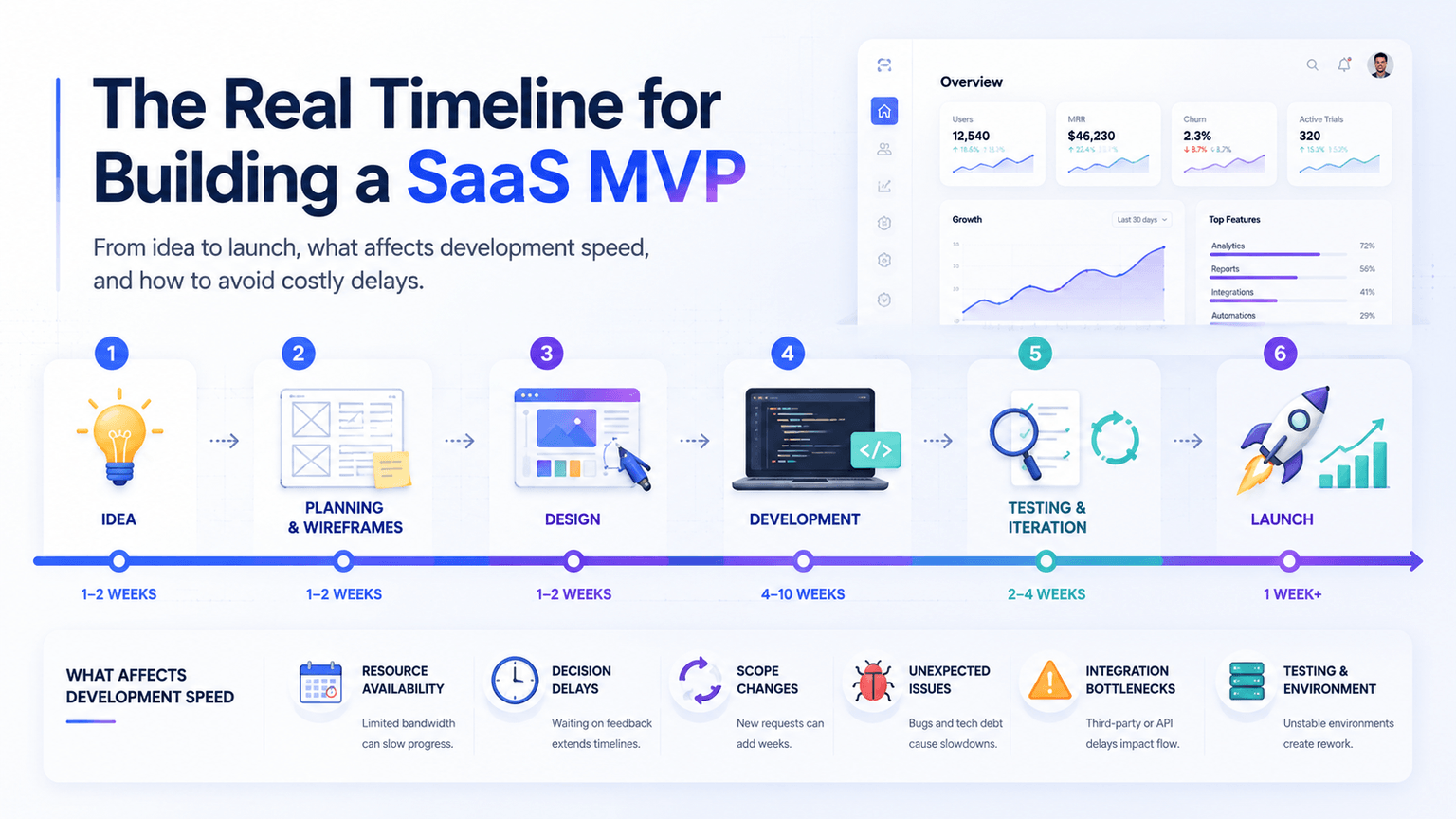
The Custom CRM Development Process, Step by Step
Building a CRM is not as intimidating as it sounds when you work with the right development partner. Here is what a typical process looks like:
Step 1: Discovery and Requirements Gathering
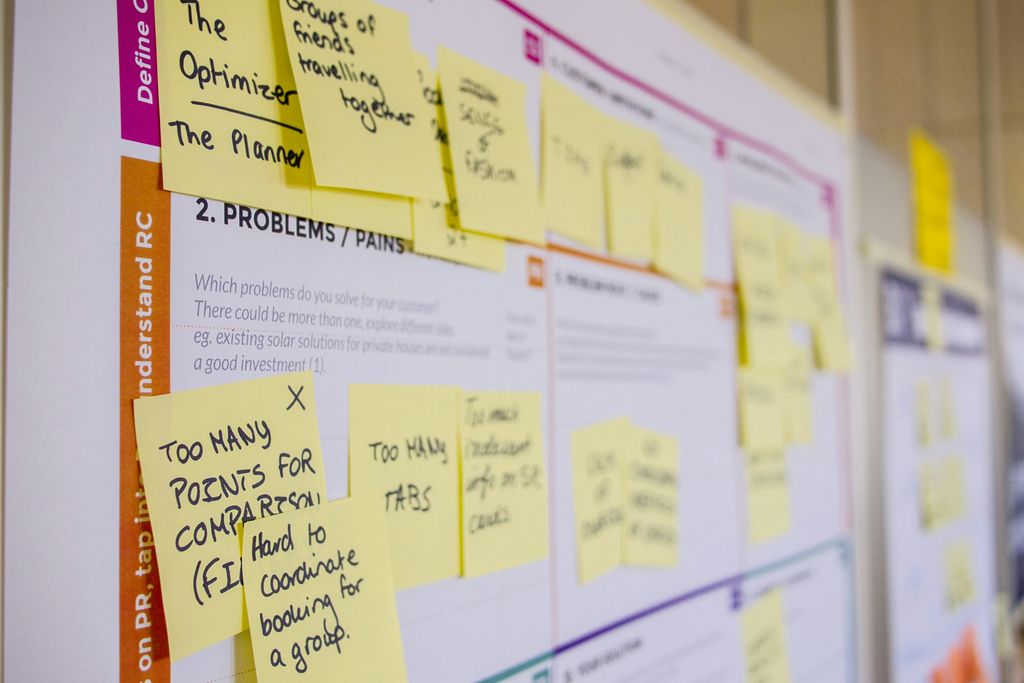
Your development team interviews key stakeholders to document your workflows, pain points, and must-have features. This phase produces a blueprint for the entire project.
Step 2: UX and Wireframing
Before any code is written, designers map out the user interface. This is your chance to see how the CRM will look and feel and request changes without expensive rework later.
Step 3: Development in Sprints
Most teams build in two-week sprints, delivering working features incrementally. This means you can test real functionality early and provide feedback throughout the process.
Step 4: Integrations
This is where your CRM connects to other tools, whether that is your accounting software, marketing platform, website, or a third-party API. Integrations are often where the most business value is created.
Step 5: Testing and QA
Rigorous testing across devices and user scenarios ensures the system is reliable before it goes live. This includes security testing, especially if the CRM stores sensitive customer data.
Step 6: Launch, Training, and Support
A good development partner does not disappear after launch. Onboarding your team, documenting the system, and providing ongoing support are all part of a successful rollout.
How Much Does It Cost to Build a Custom CRM
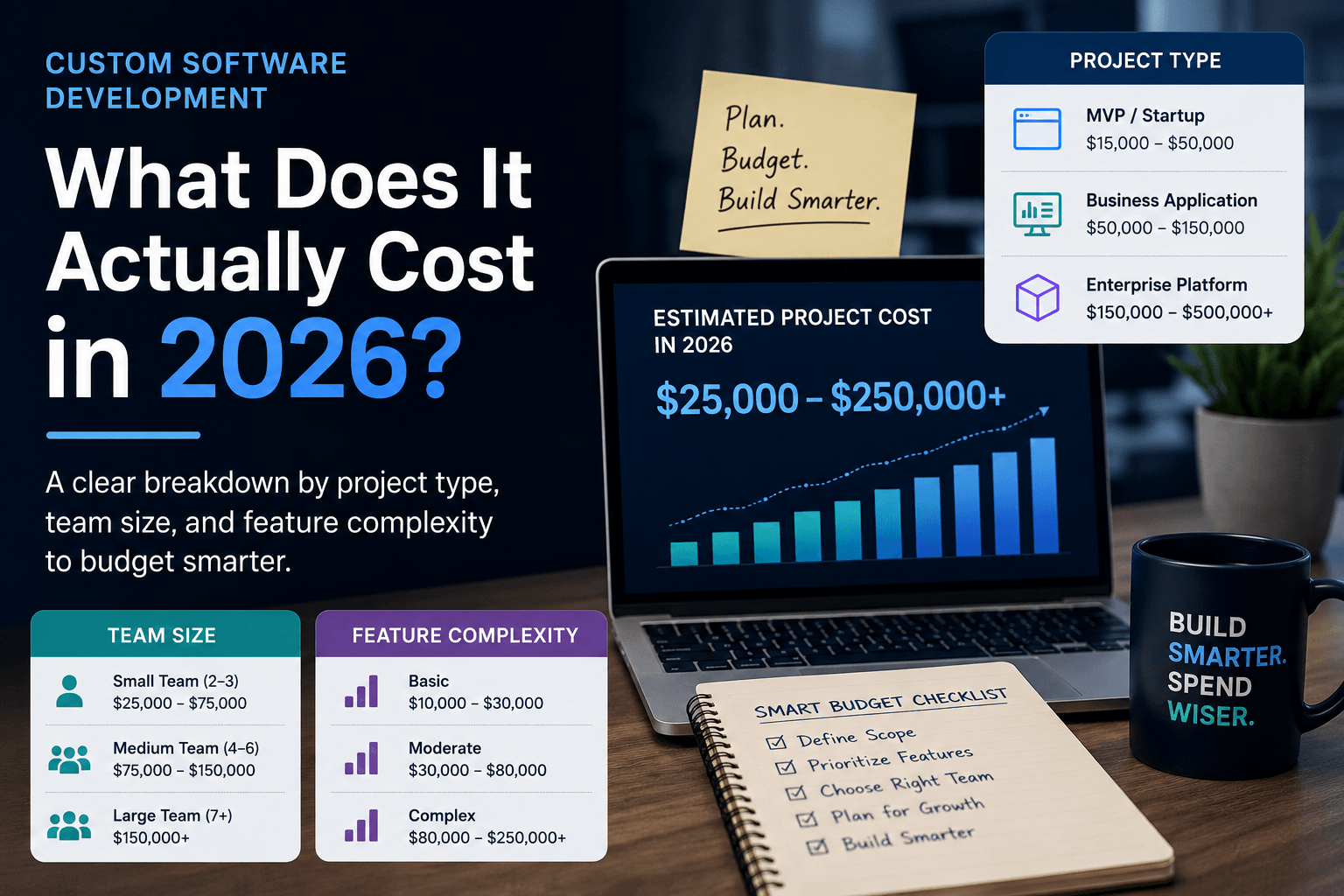
Cost is the question every business owner asks, and the honest answer is that it depends on scope. That said, here are general ranges to help you plan:
Basic CRM (contact management, pipeline, tasks): $15,000 to $35,000
Mid-level CRM (with integrations, automation, reporting): $35,000 to $75,000
Advanced CRM (AI features, complex workflows, mobile app): $75,000 and up
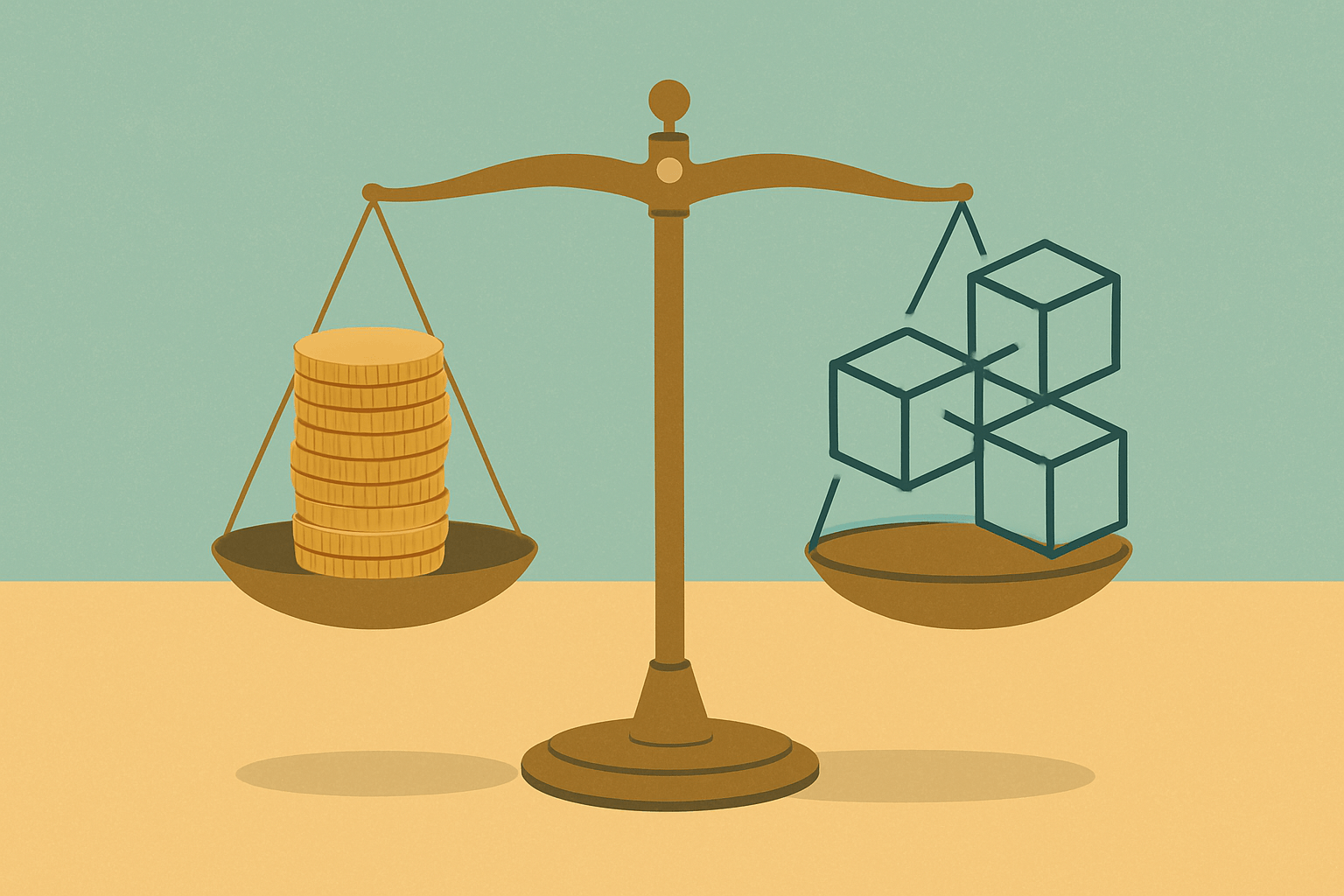
Compare this to a SaaS CRM at $100 to $300 per user per month. For a team of 10 users, that is $12,000 to $36,000 per year, every year, for a tool you do not fully own. A custom CRM, by contrast, is a one-time investment that you own outright, with no per-seat licensing fees.
For many growing businesses, the break-even point is around two to three years, after which the custom system is significantly more cost-effective.
Key Mistakes to Avoid When Planning a Custom CRM
Even well-intentioned projects can go sideways. Here are common mistakes to avoid:
Building too much too soon: Start with your core workflows and expand from there. Feature creep drives up costs and delays your launch.
Skipping the discovery phase: Jumping straight to development without a clear plan leads to expensive rework and missed requirements.
Ignoring user adoption: A CRM your team refuses to use is a wasted investment. Involve end users early in the design process.
Underestimating integrations: Connecting to third-party tools is often more complex than expected. Budget time and money for this.
Choosing a vendor based on price alone: The cheapest option rarely delivers the best outcome. Look for a team with relevant experience and a clear process.
Is a Custom CRM Right for Your Business
A custom CRM is not the right solution for every business. If your needs are straightforward and a tool like HubSpot covers 90 percent of your workflow, stick with it. But if you find yourself constantly adapting your process to fit a tool, losing data in disconnected systems, or paying for a stack of software that still does not talk to each other, a custom-built solution deserves serious consideration.
The businesses that benefit most are those with a defined sales process, a team large enough to make per-seat costs significant, and a growth trajectory that makes the investment worthwhile.
If you are ready to explore what a custom CRM could look like for your business, the team at NextGen Software in Boca Raton, FL, specializes in building exactly this kind of tailored solution for startups and growing companies. From the initial discovery call to launch and beyond, NextGen guides you through every step of the process. Visit nextgensoftware.us to schedule a free discovery call and get a clear picture of what building your own CRM would actually involve.