Generative AI Integration Services: A Practical Roadmap
What generative AI integration actually means (and the short answer)
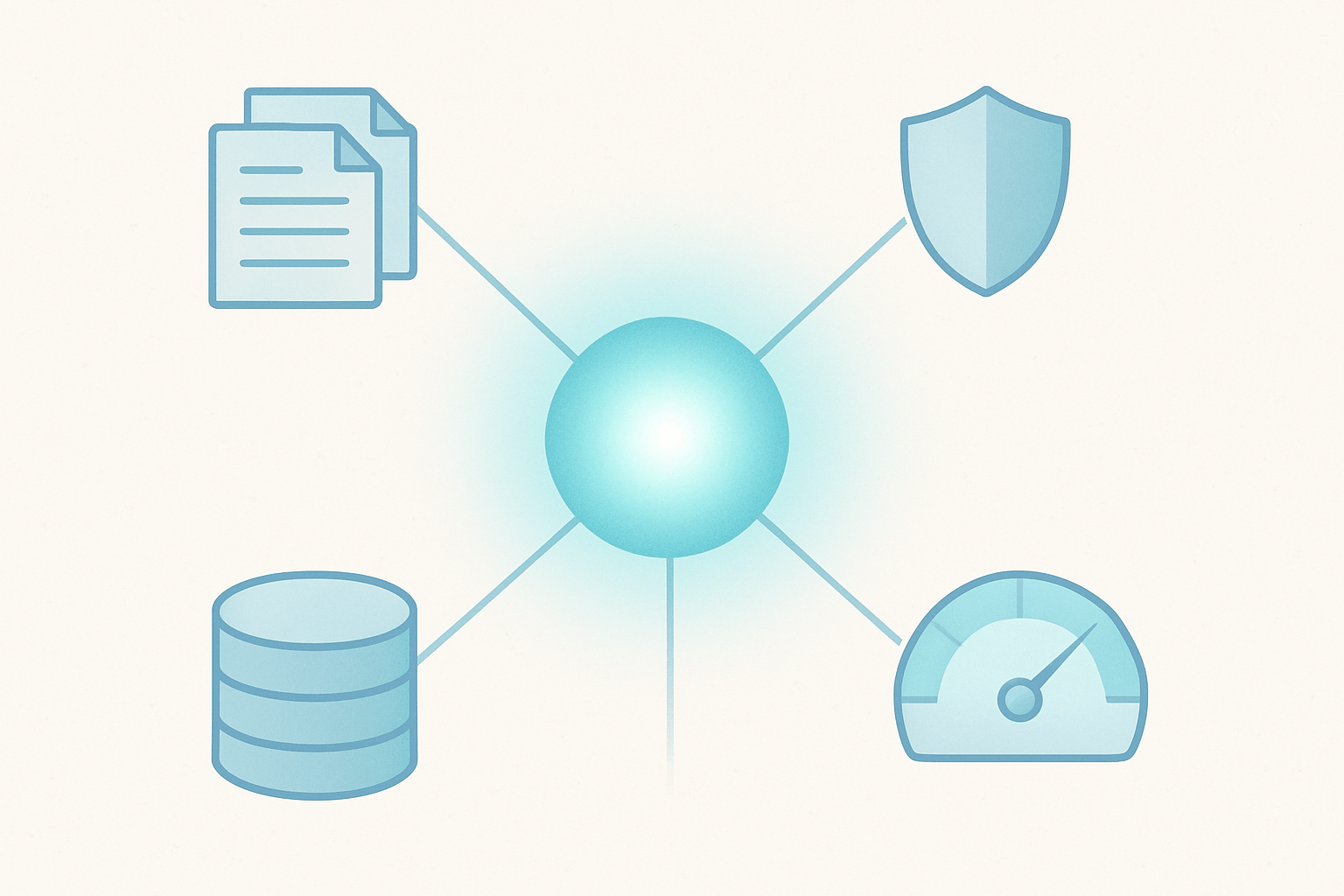
Generative AI integration means connecting a hosted language model, through an API, to your existing product, data and workflows so it performs one specific task well. Around that model you add retrieval of your own data, guardrails and cost controls. You are not training a model from scratch. You are wiring a capable one into software you already run.
That is the whole idea, and it is less mysterious than most vendor pages make it sound. The hard parts are not the API call. They are choosing a task worth automating, feeding the model the right data, stopping it from saying wrong things, and keeping the bill predictable.
The quotable definition: connecting an LLM to your product, data and workflows
Think of a large language model (LLM) as a very fast, very well-read contractor who knows nothing about your business. Integration is the work of giving that contractor your documents, your customer context, the tools they are allowed to use, and rules about what they may and may not do. The model supplies language skill. Your software supplies everything else.
This is also where the work lives for most companies: AI features inside a support tool, a CRM, an ecommerce admin or an internal dashboard. It is software engineering with a probabilistic component, not a research project.
The six steps at a glance
Pick one use case that is frequent, measurable and tolerant of review.
Choose a model by testing two or three on your own examples.
Decide how the model gets your data: prompting, retrieval (RAG) or fine-tuning.
Wire it into your product safely: server-side calls, permissions, existing systems.
Add guardrails before anyone outside the team sees it.
Control cost and monitor quality, latency and spend after launch.
The rest of this article walks through each step with the decisions you will actually face.
Step 1: Pick one use case worth integrating
Most failed AI projects fail at step one. The team picks something vague like add AI to the platform instead of a task with a clear input, a clear output and a way to tell whether it worked. Start with one narrow workflow and get it to production before you widen the scope.
Good first use cases
The best first projects share a shape: a human currently does repetitive language work, and a draft that is 80 percent right still saves time.
Support drafting: the model proposes a reply from the ticket and your help docs, an agent edits and sends.
Document extraction: pull fields from invoices, contracts or intake forms into structured data.
Search over your own content: answer questions from your knowledge base, with links to sources.
Summarization: call notes, long threads, order histories, case files.
Internal copilots: a assistant inside an admin tool that drafts, looks things up and suggests next steps.
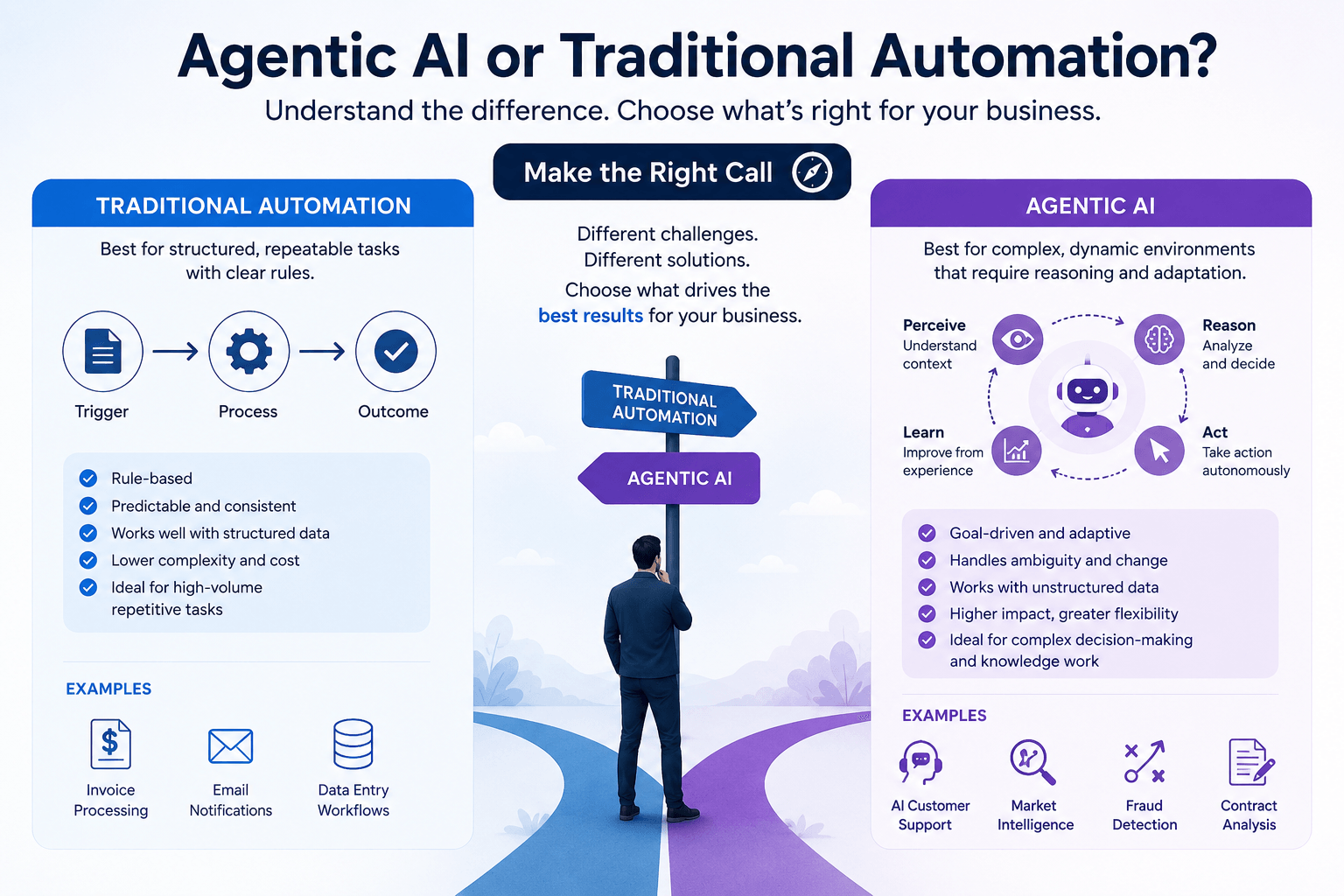
If you are thinking about agents that take actions across systems, read our comparison of agentic AI vs traditional automation first. Often a simple, deterministic workflow with one model call inside it beats a free-roaming agent.
Bad first use cases
Avoid anything that needs 100 percent accuracy with no human review: final legal advice, medication or dosage guidance, automatic financial approvals, anything that moves money without a person confirming. Language models are fluent, not infallible. Start where a wrong answer is cheap and catchable, then earn your way toward higher stakes.
A simple scoring checklist
Score each candidate from 1 (poor) to 5 (strong). Build the one with the best total, and treat any 1 on cost of error or data availability as a warning.
Criterion | Question to ask | Strong signal |
|---|---|---|
Frequency | How often does this task happen? | Daily or hourly, many people |
Cost of error | What happens when the output is wrong? | A human catches it before it matters |
Data availability | Do we have the documents or records the model needs? | Clean, accessible, permissioned |
Measurable outcome | How will we know it worked? | Time saved, tickets resolved, fewer manual edits |
This also gives you the ROI argument. If you can state the task, the current time or cost per instance, and the volume, you can estimate the value before you write code.
Where the 30% rule idea fits
You may have heard of a 30% rule in AI. It is a loose, informal idea, usually described as automating roughly a third of a task and keeping humans on the rest. It is not a standard, a law or a research finding, and you should not plan around the number.
The useful part is the principle behind it: design for human-in-the-loop. Let the model handle the repetitive portion, such as drafting or extraction, and keep a person responsible for judgment, exceptions and sign-off. Whether that split ends up at 30 percent or 70 percent depends on your task and your tolerance for error.
Step 2: Choose a model: OpenAI vs Claude vs others
There is no universal winner. Anyone who tells you one provider is best for every product is selling something. The right approach is to compare models on your task with your data.
How to compare
Quality on your task: the only measure that really matters.
Latency: a chat feature needs fast first tokens; a nightly batch job does not.
Context window: how much text you can send in one request, relevant for long documents.
Price: input and output tokens, by model tier. Check current provider pricing pages, as they change.
Data terms: retention, training use, regional options, enterprise agreements.
Ecosystem: SDKs, tool calling, structured output, hosting options through your cloud.
Where OpenAI tends to fit and where Claude tends to fit
OpenAI's GPT models and Anthropic's Claude models are both strong general-purpose choices, and Google Gemini is a serious third option, particularly if you already live in Google Cloud. Teams often develop preferences: some find one family better at following long, detailed instructions, others prefer another for coding or structured output. Those impressions shift with each model release, so treat them as hypotheses, not facts.
The decision rule we use: run the same evaluation set against two or three models, pick the cheapest one that clears your quality bar, and break ties on latency, data terms and the tooling you already have. Open models are worth adding to the shortlist if you have strict hosting requirements or very high volume.
Build an evaluation set
Collect 20 to 50 real examples of the task, with the answer a good human would give. Run each candidate model on them, with the same prompt, and score the results. This takes a day or two and replaces weeks of opinion. You will reuse the same set later, in step 5.
We work with both the OpenAI and Claude APIs, and our AI and machine learning development, including Claude API integration work starts with exactly this kind of comparison. For a broader overview of the vendor options, see our piece on generative AI with ChatGPT, Gemini and AWS Bedrock.
Build a thin abstraction layer
Models improve and prices change. Do not scatter provider-specific calls across your codebase. Put one small module between your product and the model API that takes your inputs and returns your outputs. Swapping models then means changing one file and re-running your evaluation set, not rewriting features.
Step 3: Decide how the model gets your data: prompting, RAG or fine-tuning
A base model knows general language and public facts. It does not know your pricing, your policies or your customers. There are three ways to bridge that gap, and they should be tried in order.
Your need | Approach | Typical effort |
|---|---|---|
Better instructions, tone or format | Prompt engineering | Hours to days |
Answers grounded in your documents, with sources | RAG | Days to a few weeks |
Consistent style or format at high volume, after prompting falls short | Fine-tuning | Weeks, plus data preparation |
Taking actions in your product | Tool use / function calling | Days to weeks, depending on systems |
Prompting first
Prompt engineering means writing clear instructions, adding examples and specifying the output format. It is the cheapest and fastest thing to test, and it often gets you further than people expect. Always push prompting as far as it goes before adding infrastructure.
RAG: when answers must come from your documents
Retrieval-augmented generation (RAG) means that, before the model answers, your system looks up the most relevant pieces of your own content and includes them in the request. The model then answers from that material and can cite it. Use RAG when facts change often, when answers must be traceable, or when your content is too large to paste into a prompt.
A simple RAG pipeline looks like this:
Ingest: collect documents from wherever they live.
Chunk: split them into passages of a sensible size.
Embed: convert each passage into an embedding, a list of numbers that represents its meaning.
Store: save embeddings in a vector database.
Retrieve: at question time, embed the question and find the closest passages.
Generate: send the question plus those passages to the model.
You do not necessarily need a new piece of infrastructure for this. If your product already runs on Postgres through Supabase, pgvector can store embeddings next to your existing data. That is a stack-fit note, not a rule: dedicated vector databases make sense at larger scale or with specialized search needs.
Fine-tuning: usually last
Fine-tuning trains a model further on your examples. It helps when you need a very consistent style or output format at scale, or want a smaller, cheaper model to match a bigger one on a narrow task. It does not reliably teach a model new facts, which is what RAG is for. It also adds data preparation, evaluation and upkeep, so reach for it only when prompting and RAG have clearly hit a ceiling.
Tool use and function calling
Modern APIs let the model request that your code run a function, such as looking up an order, creating a draft invoice or updating a CRM field. Your code runs it, with your permission checks, and returns the result. This is how copilots and AI agents take real actions. Keep the tool list short, make risky actions require human confirmation, and log every call.
Step 4: Wire it into your existing product safely
This is the part that looks like ordinary engineering, and it should be treated that way.
Architecture: server-side calls only
Call the model API from your backend, never from the browser or mobile app. API keys in client code will be found and abused. Your server also becomes the natural place to apply rate limits, logging, prompt templates and the abstraction layer from step 2.
Connect to your auth, permissions and data
This is the most frequent miss in retrieval projects. If your knowledge base contains documents that only some users may see, the retrieval step must respect that. Otherwise the model will happily summarize a confidential document for the wrong person.
The fix is to store access metadata with every chunk (tenant, role, owner, document permissions) and filter retrieval by the current user's rights before anything reaches the model. Do not rely on the prompt saying don't reveal secret information. Enforce it in the query.
Integrations with CRM, ERP, ecommerce and payments
Value usually comes from connecting the model to systems of record. A support assistant is far more useful when it can read the order from Shopify, the account from HubSpot or the invoice status from NetSuite and Stripe. Treat each connection like any other API integration: scoped credentials, read-only by default, clear error handling and audit logs. Our overview of API and third-party integrations covers how we approach these connections.
Streaming, timeouts, retries and fallbacks
Model calls are slower and less predictable than typical API calls. Plan for it:
Stream responses so users see text appear instead of waiting on a spinner.
Set timeouts and show a useful message when they hit.
Retry with backoff on rate-limit and transient errors.
Have a fallback: a second model, a cached answer or a plain non-AI path, so an outage at one provider does not take your feature down.
Step 5: Add guardrails before launch
Guardrails are the controls that keep an AI feature safe, accurate and within policy. This is the core of AI governance at the level most companies need: written rules, tested behavior and someone accountable.
Prompt injection and data leakage
Prompt injection is when text the model reads, such as a web page, an email or an uploaded file, contains instructions that try to hijack it. Assume any external text is untrusted. Keep system instructions separate from user content, limit what tools the model can call, and never let it act on sensitive operations without a permission check in your own code.
Hallucination controls
A model can produce confident, wrong answers. You cannot eliminate this, but you can reduce it:
Ground answers in retrieved documents and instruct the model to use only that material.
Require citations and show them to the user.
*Teach an I don't know behavior:* when retrieval finds nothing relevant, the right answer is to say so or hand off to a person.
Constrain outputs with structured formats the code can validate.
Human review for high-stakes outputs
For anything customer-facing and consequential, put a person between the draft and the send button until your measured error rate earns more autonomy. Make approving and editing fast, and capture edits, because they are free training data for your evaluation set.
PII handling, vendor data terms, logging and retention
Is it safe to send customer data to an AI API? It can be, if you have read the provider's data terms, chosen an enterprise or API tier that does not train on your data, and sent only what the task needs. Minimize or mask personal data, decide how long prompts and responses are logged, and restrict who can read those logs. In regulated industries such as healthcare and finance, bring legal and compliance in early. That is not legal advice, just a pattern we see save projects from late rework.
Evaluation: a test set you re-run on every change
Your evaluation set from step 2 becomes a regression suite. Re-run it whenever you change a prompt, a model, a retrieval setting or a chunk size. Without it, you are guessing whether a tweak helped.
Pre-launch guardrail checklist
API keys are server-side only and rotated on a schedule.
Retrieval filters by user permissions.
Answers cite sources, with a defined no-answer behavior.
High-stakes outputs require human approval.
PII is minimized, and vendor data terms are reviewed.
Logs exist, with retention and access rules.
Rate limits and spend alerts are active.
An evaluation set passes at the agreed quality bar.
A kill switch can disable the feature without a deploy.
Step 6: Control cost and keep it controlled
LLM pricing is usage-based, so cost scales with how much your product is used. That is manageable if you understand the formula and set limits early.
How LLM pricing works
Providers charge by the token, a chunk of text roughly a short word or part of one. You pay for tokens going in (your prompt, instructions and retrieved context) and tokens coming out (the answer), usually at different rates, and the rate depends on the model tier. Larger models cost more per token than smaller ones. Look up current rates on each provider's pricing page rather than trusting any number in a blog post, including this one.
A back-of-envelope worksheet:
Requests per day: [R]
Average input tokens per request, including retrieved context: [I]
Average output tokens per request: [O]
Input rate and output rate per token for your model: [Ri], [Ro]
Daily cost = R x ((I x Ri) + (O x Ro))
Monthly cost = daily cost x 30, then add embeddings, vector storage and hosting
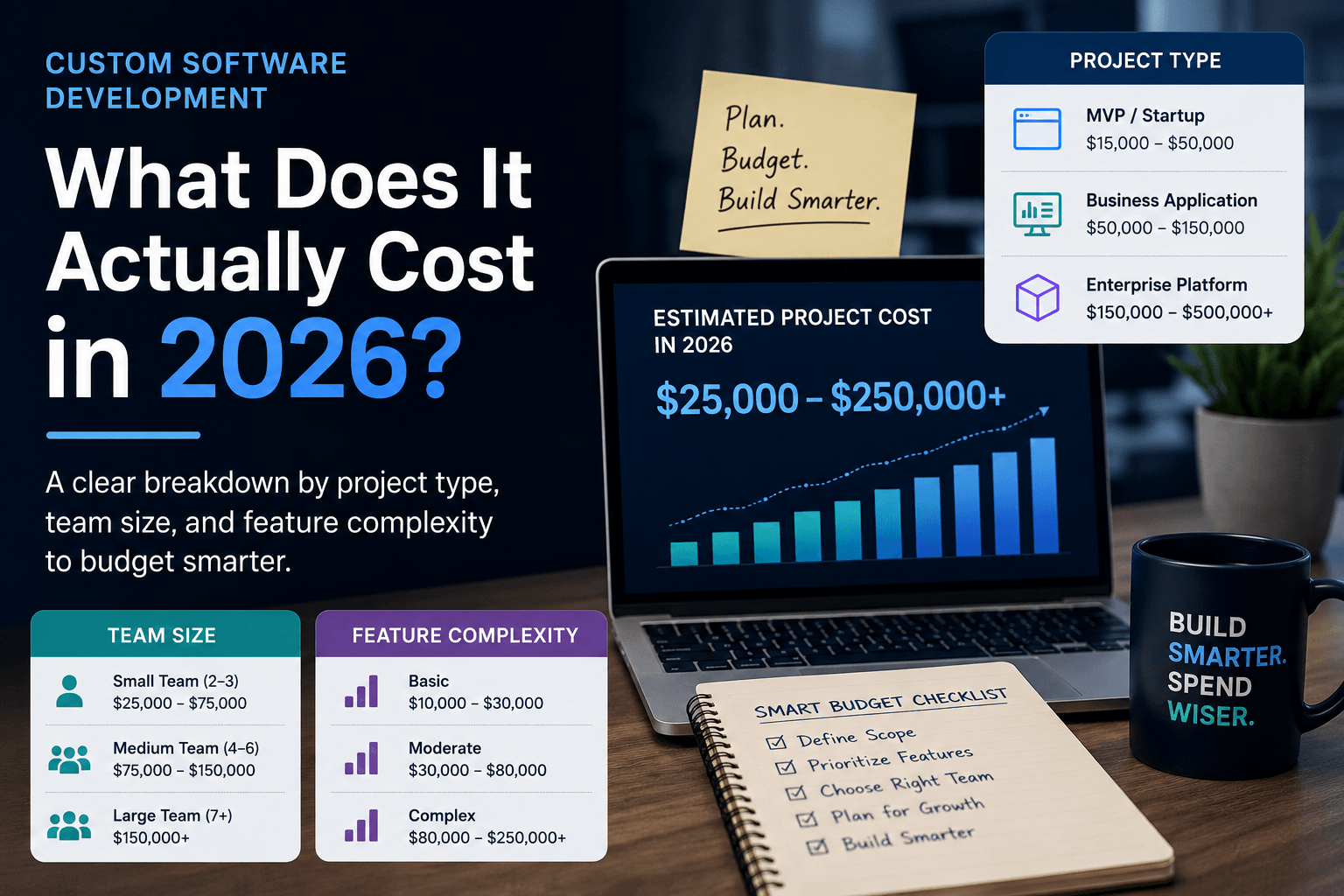
Run it for a pessimistic, expected and optimistic usage level. If you are budgeting the surrounding build as well, our custom software development cost breakdown helps frame the non-AI portion.
Levers that reduce spend
Model tiering: send easy tasks (classification, routing, short rewrites) to a smaller model and keep the larger one for hard cases.
Caching: reuse answers for repeated questions, and use provider prompt caching where available.
Shorter context: trim system prompts and retrieve fewer, better passages.
Retrieval limits: cap the number of chunks per request.
Batching: run non-urgent work, such as nightly summarization, in batch mode where providers offer it.
Budgets, rate limits and alerts
Set per-user and per-tenant rate limits so one heavy user or a runaway loop cannot burn the budget. Add spend alerts at a few thresholds, and a hard monthly cap with a graceful degraded mode.
Monitor after launch
Track quality (thumbs up or down, edit rate, evaluation scores), latency and spend per feature. Review a sample of real conversations weekly at first. Models get updated and deprecated, data drifts, and users ask things you did not anticipate, so monitoring and maintenance is part of the product, not an afterthought. Moving from proof of concept to production is mostly the work in steps 4 to 6.
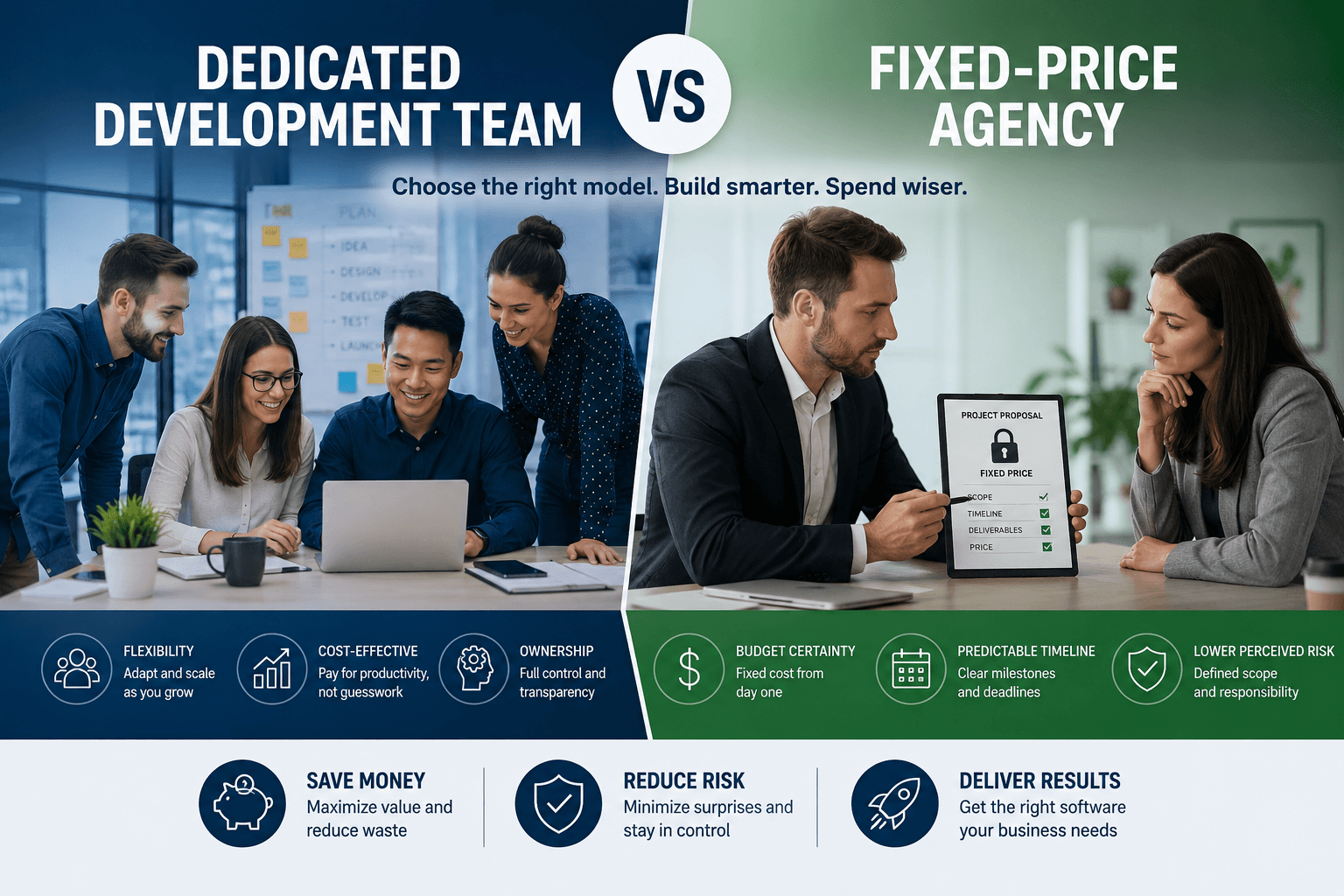
Build in-house or hire an integration partner?
Both are legitimate. The right answer depends on your team, your timeline and how central the feature is to your product.
When in-house works
Building yourself makes sense when you already have engineers comfortable with APIs and data pipelines, the use case is narrow, and nobody is waiting on a deadline. A single engineer can ship a useful prototype. The risks are usually in steps 4 to 6: permissions, evaluation and cost control, which get skipped when the demo looks good.
When a partner makes sense
A partner helps when your team is stretched, when you need to move from idea to working prototype quickly, or when the AI feature must connect to several systems such as a CRM, an ERP and billing. It also helps when you want an outside review before you commit budget.
At NextGen Software, one senior technical lead owns each engagement from discovery through launch, and a typical start is a small, scoped prototype rather than a long planning phase. You can see the kinds of work we take on under AI and machine learning development.
What to ask a partner
Who owns delivery? You want a named senior person accountable, not a rotating cast.
How do you evaluate quality? Look for an evaluation set built on your data, not just a demo.
Is the solution model-portable? Ask how hard it would be to switch providers.
Who owns the code, prompts and evaluation data? The answer should be you.
How do you handle cost? Ask for a usage estimate with assumptions and spend controls.
How do you handle permissions and data privacy? Ask specifically about permission-aware retrieval.
Red flags
Be cautious of an AI transformation deck with no working prototype, vague promises about accuracy, a single model locked in with no abstraction, no discussion of evaluation or guardrails, and pricing that is hard to connect to deliverables. A good partner shows you something running early, even if it is small.
Where to go from here
If you take one thing from this roadmap, make it the order: one narrow use case, an evaluation set, the simplest data approach that works, then safe wiring, guardrails and cost controls. Skipping ahead to a clever architecture is how projects stall.
If you are weighing a first integration and want a second opinion on the use case, model choice or architecture, you can talk to a senior technical lead on a free discovery call. It is a practical conversation about your product and constraints, and you will leave with a clearer idea of what to build first, whether or not we end up working together.
Frequently Asked Questions
Does IBM have generative AI?
Yes. IBM offers watsonx, a platform for building and governing AI, and its own Granite family of models. These are most often considered by enterprises that want governance features and deployment control. As with any provider, test them on your own evaluation set before committing.
What is the 30% rule in AI?
It is an informal idea, not a standard: automate roughly a third of a task and keep humans on the rest. The number is a rough heuristic, not a law. The useful takeaway is human-in-the-loop design, where AI handles repetitive work and people keep judgment and sign-off.
Which AI is best for integration?
There is no single best model. The best choice is the cheapest one that meets your quality bar on your own data, with acceptable latency and data terms. Test two or three models on a 20 to 50 example evaluation set, and keep a thin abstraction layer so you can switch later.
What are the top 3 generative AI?
The providers most teams shortlist are OpenAI (GPT models), Anthropic (Claude) and Google (Gemini). Open models are a strong option when you need self-hosting. Rankings change with every release, so compare them on your task instead of relying on a generic list.
How long does a first integration take?
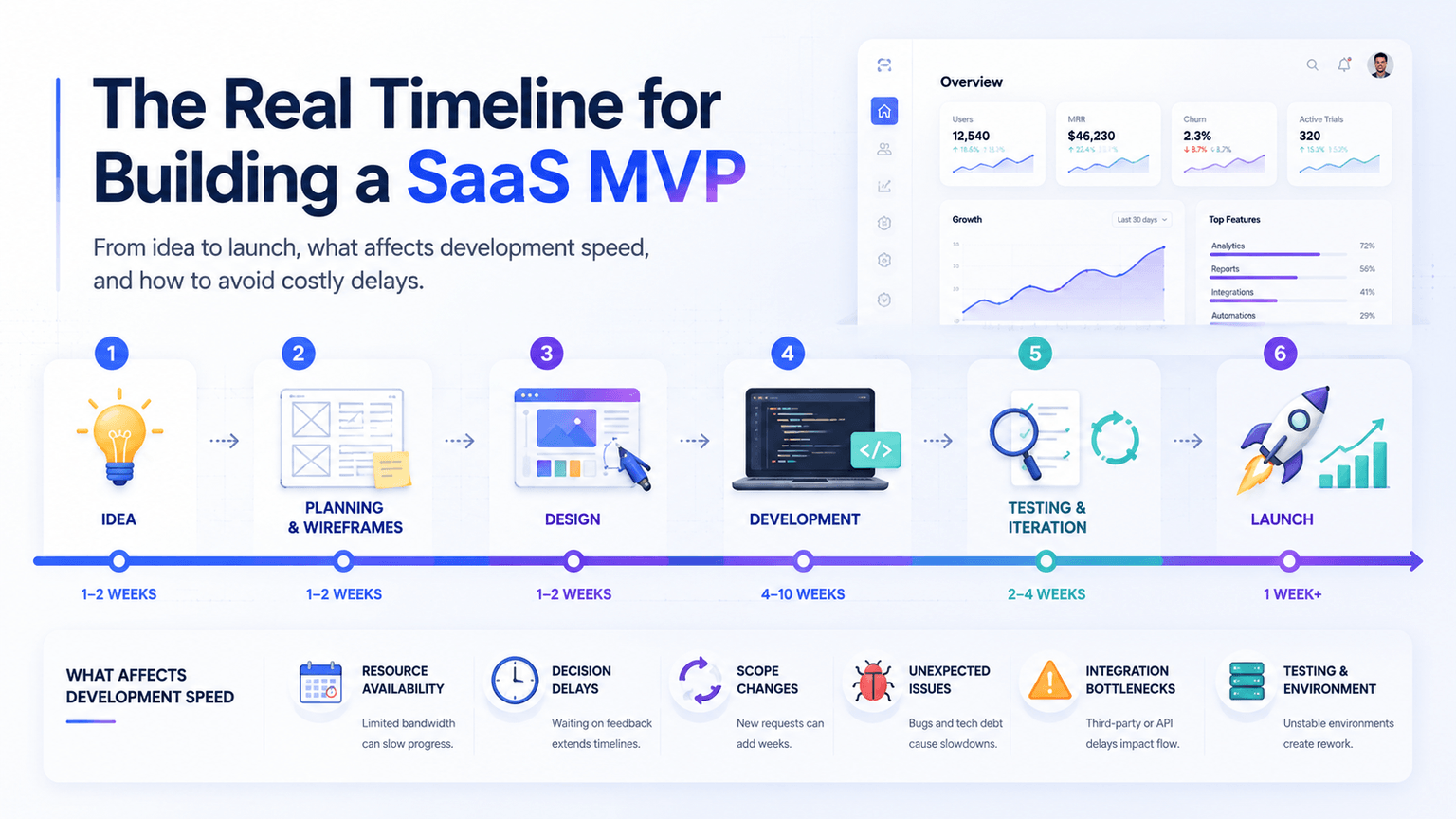
It depends on scope. A narrow, scoped prototype with prompting or simple RAG can often come together in a few weeks. A production rollout with permissions, system integrations, guardrails, evaluation and monitoring takes longer, and the timeline grows with the number of systems involved.